Mobbin Review: The UI/UX Reference Library That Replaced Our Screenshot Folders
Mobbin is the largest searchable library of real product design — 1,400+ apps, 620,000+ screens, and 320,000+ complete user flows from shipped iOS, Android, and web products. We use it weekly. Here's what makes it category-leading, what the free tier actually gets you, and where it isn't the right tool.
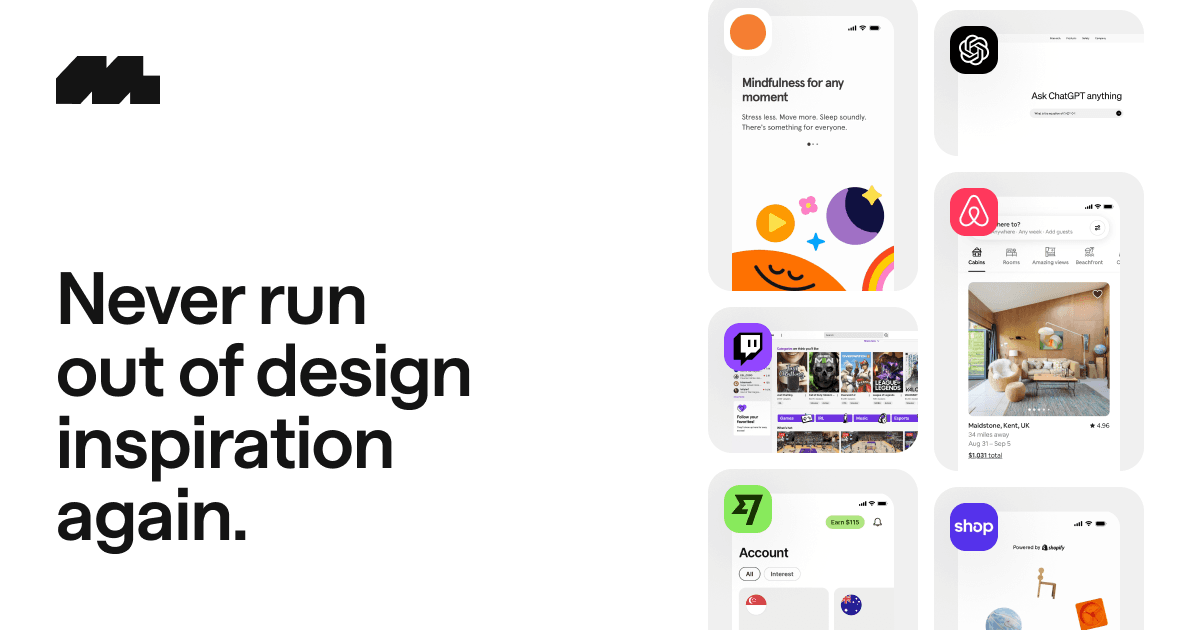
Every product designer has the folder. Screenshots of nice onboarding flows, a paywall somebody shared in Slack, that one settings screen from an app you can't remember. Mobbin is what happens when that folder becomes a product with a full-time team behind it: 1,400+ real apps, 620,000+ screens, and 320,000+ complete flows, indexed so thoroughly that "show me how fintech apps handle identity verification" is a thirty-second search instead of an afternoon of downloading apps.
What is Mobbin?
Mobbin is a searchable reference library of real product design across iOS, Android, and web. Unlike Dribbble or Behance — where you're looking at concept work polished for likes — everything in Mobbin shipped: these are screenshots captured from live products, organized by app, by screen type, by UI element, and most importantly by complete user flow. The library grows weekly, and older captures stick around, which quietly makes Mobbin a time machine for watching how the best product teams evolve their designs.
Why flow-based organization is the whole product
The feature that separates Mobbin from every screenshot gallery is that it thinks in flows, not shots. Designing a checkout? You don't want one beautiful checkout screen — you want to see how twelve successful products sequence cart → shipping → payment → confirmation, where they ask for the account creation, and what they do when a card fails. Mobbin serves exactly that: complete, ordered flows from real apps, filterable by industry. It's the difference between inspiration and reference, and it's why the tab stays open during actual design work rather than moodboarding.
How founders and designers actually use it
Pre-design research
Before designing any standard flow — onboarding, paywalls, empty states — see how the category leaders already solved it. Proven patterns beat invented ones.
Competitive teardowns
Browse every captured screen of a competitor's app without installing it, including how their flows changed over time.
Stakeholder persuasion
"Here's how Airbnb, Notion, and Revolut all handle this" ends design debates faster than any argument.
Design-system reference
Compare how one component — a date picker, a permission prompt — is treated across dozens of shipped products.
Pricing
The free tier lets you browse and evaluate with real limits — think preview, not workspace. Pro, at $10/month billed yearly (about a third off the monthly price), unlocks the full library, flows, and collections; Team at $16/member/month adds shared collections and commenting for design teams and agencies. For a tool that gets used weekly, Pro is one of the easier justifications in a designer's stack — a single avoided design dead-end pays for the year.
What it isn't
Three honest limits. Mobbin captures screens, not motion — you see the states of an interaction, not the animation between them, so for gesture and transition reference a tool like Page Flows complements it. The free tier genuinely is limited; budget for Pro if you'll use it in anger. And the deepest caveat is philosophical: Mobbin shows you what shipped at big successful companies, not whether it was right — patterns from apps with millions of users and dedicated growth teams aren't automatically right for your two-person startup. It's a reference library, and like any library, the judgment stays with the reader.
Verdict
Mobbin is that rare tool that's simply the best at what it does. The library is vast and current, the flow-based organization matches how design work actually happens, and the pricing is fair for the value delivered. If you design product interfaces — or you're a founder who occasionally has to — it's the first reference tab worth opening.
What we loved
- ✓ Enormous and current: 1,400+ apps, 620,000+ screens, 320,000+ flows, with new content added weekly
- ✓ Organized for actual design work — complete user flows (onboarding, checkout, paywalls) instead of isolated pretty shots
- ✓ Search by UI pattern or element: empty states, permission prompts, pricing pages, whatever you're designing right now
- ✓ Covers iOS, Android, and web, so cross-platform teams reference one library
- ✓ Everything is from real shipped products — these patterns survived real product teams and real users
- ✓ Honest pricing: usable free tier, Pro at $10/month billed yearly, Team at $16/member
Worth knowing
- → The free tier is a preview, not a workspace — serious use needs Pro
- → Screenshots, not recordings: you see the screens, not the motion between them (Page Flows covers that gap)
- → It shows what shipped, not why — patterns from big apps aren't automatically right for your product
Frequently asked questions
What is Mobbin?
Mobbin (mobbin.com) is the largest searchable library of real-world UI/UX design: 1,400+ shipped apps, 620,000+ screens, and 320,000+ complete user flows across iOS, Android, and web, organized by app, screen type, UI pattern, and flow. Designers use it for research and reference; new content is added weekly.
Is Mobbin free?
Mobbin has a free tier for browsing and evaluation with real limits. Pro costs $10/month billed yearly (roughly 33% cheaper than monthly) and unlocks the full library, flows, and collections; Team is $16/member/month with shared collections for design teams.
How is Mobbin different from Dribbble or Behance?
Dribbble and Behance showcase concept work and portfolios — designs made to impress other designers. Mobbin only contains screens from real shipped products, organized into complete user flows, which makes it a working reference for how successful apps actually solve design problems rather than a source of aesthetic inspiration.
What are the best Mobbin alternatives?
Page Flows records video walkthroughs of real flows (covering the motion Mobbin's screenshots can't), while Refero and UI Sources offer smaller screen libraries. For pure aesthetic inspiration, Dribbble and Awwwards serve a different job. For flow-based reference at scale, Mobbin leads the category.
Who should use Mobbin?
Product designers doing pre-design research, founders designing their own interfaces, teams running competitive teardowns, and anyone who'd rather reference proven patterns from 1,400+ shipped apps than reinvent standard flows from scratch.
Bottom line
4.8/ 5The definitive design reference library: vast, current, organized the way design work actually happens, and honestly priced. Best-in-class isn't a close call here.
Visit Mobbin →Reviewed independently by our editors as part of the Tiny Startups review programme.
More reviews

PressWhisper Review: Press Coverage Without the PR Agency Retainer

Sotwe Review: The Anonymous Twitter/X Viewer, Tested Honestly

Human Benchmark Review: The Reaction Time & Memory Test Site That Became the Internet's Cognitive Gym

delphitools Review: 50+ Free Privacy-First Browser Tools That Never Phone Home
WritersLock Review: The Journaling App That Locks Your Doomscrolling Apps Until You Write
InnerVeda Review: An AI Dosha Quiz That Reads You Like a Practitioner, Not a Form
WebViewGold Review: Convert Your Website Into iOS and Android Apps Without Writing Code
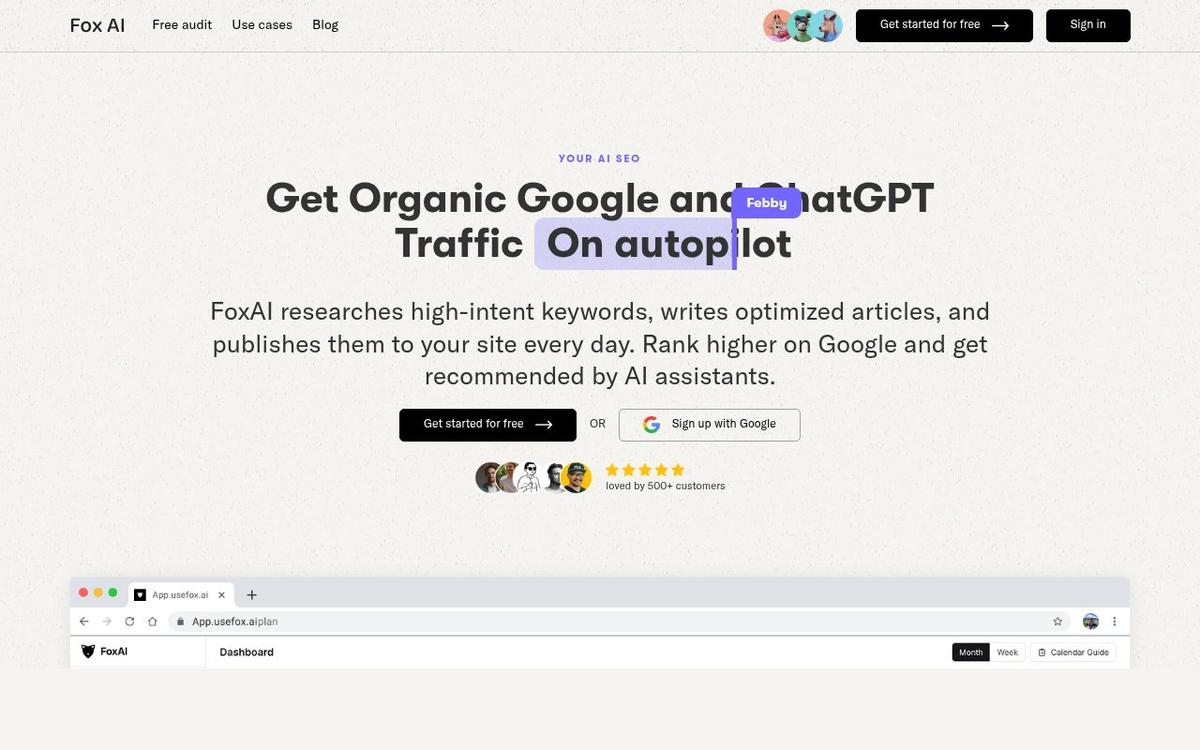
FoxAI Review: SEO Content on Autopilot — Built to Rank on Google and Get Cited by ChatGPT
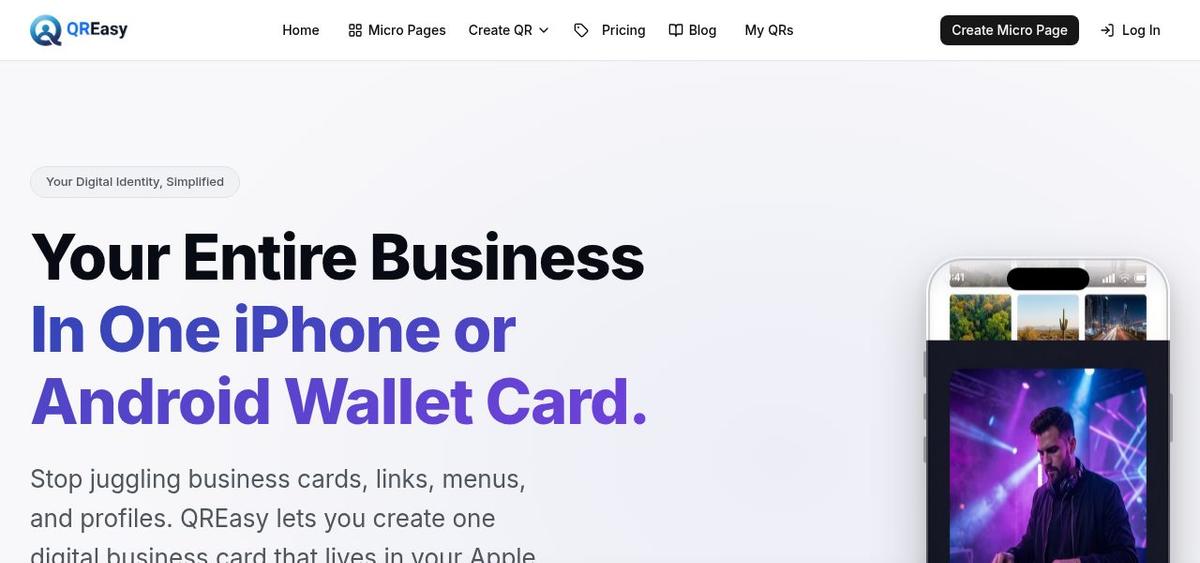
QREasy Review: Your Whole Business in One Apple or Google Wallet Card

Dropday.ai Review: The Discovery Engine That Tracks AI Builds From First Demo to Real Product
Building something yourself?
Launch it on Tiny Startups — get in front of thousands of early adopters, and into the pages Google and AI search engines crawl when people look for tools like yours.
Submit your startup →