WebViewGold Review: Convert Your Website Into iOS and Android Apps Without Writing Code
WebViewGold turns any website or web app into native iOS and Android apps in minutes — paste your URL into the template and you’re done. With an App Store approval guarantee, lifetime updates, and 24/7 support, it’s the most complete website-to-app converter we’ve reviewed.
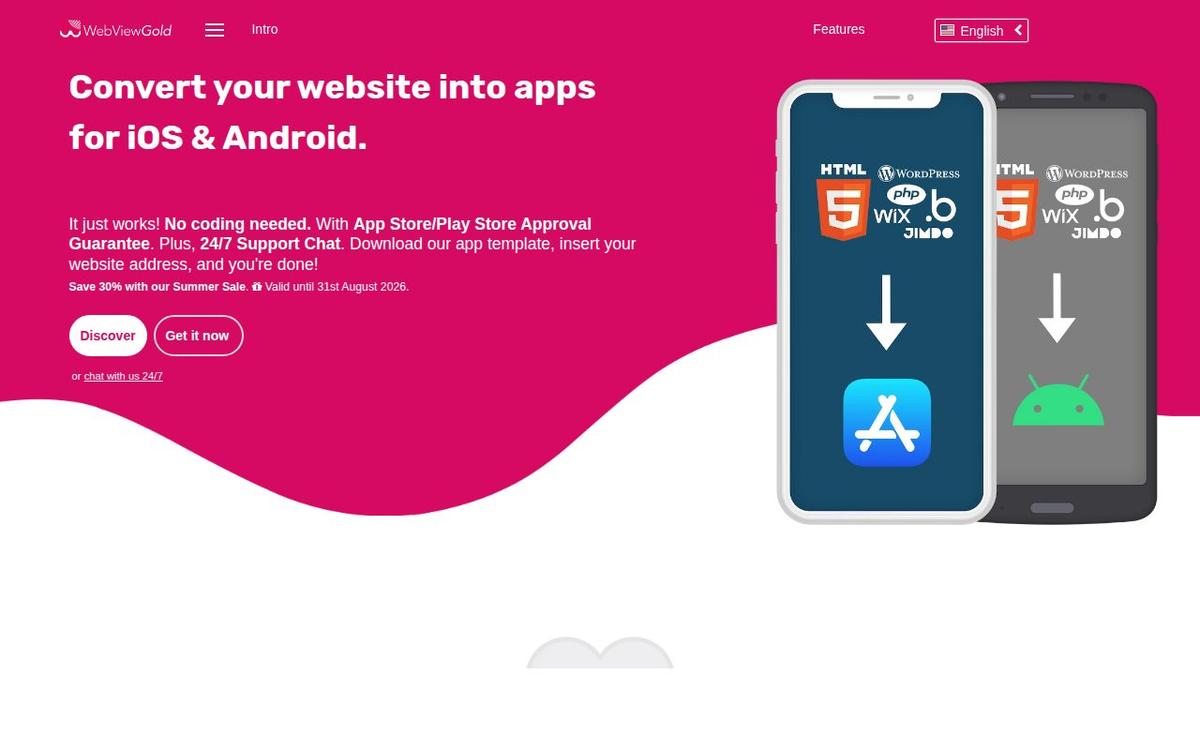
There are two honest paths to getting your web product into the app stores: months of native development, or a webview wrapper done properly. The second path has a bad reputation because most wrappers are abandoned templates with no support and no answer when Apple rejects your submission. WebViewGold is what the category looks like when someone takes it seriously for a decade — it’s been maintained since 2014, was named among Envato Tuts+’s "12 Best App Templates of 2025," and backs its store submissions with an actual approval guarantee.
What is WebViewGold?
WebViewGold is an app template for iOS and Android that converts a website or web app into a native app. The setup is exactly as advertised: download the template, insert your website’s URL — or copy in a local HTML folder for a fully offline app — and build. No coding required. Your content renders at 100% app display size with the status bar colour matched, so the result looks like an app rather than a browser with the chrome sawn off.
The approval guarantee is the headline
Getting a webview app through Apple’s review is the step that scares most founders, and it’s where WebViewGold plants its flag: your app is 100% ready for the Apple App Store and Google Play Store, or you get a full refund by claiming within 14 days of purchase. A guarantee like that only survives twelve years if the template genuinely passes review — and the 24/7 support chat means you’re not alone if your specific app needs adjusting to get there.
The details that separate it from a bare wrapper
Performance
Built on WKWebView with a Smart Performance Cache mechanism — up to 2× faster than conventional UIWebView-era apps, and it feels it.
Offline handling
A designed offline screen with a "Try again" button, plus a fallback mode that serves a local HTML folder offline and your live site when the connection returns.
External links, done right
Rule-based link handling: keep your domains in-app, open outsiders in the system browser or in-app tabs, or hand off to external apps.
Native trimmings
Splash screens or native loading spinners, fully responsive across phone and tablet dimensions, and a long list of optional extras behind simple config switches.
Cloud Builder (optional)
Configure and ship your apps from the browser — no Xcode, no Android Studio, not even a Mac. Sold separately, and worth it if you’re on Windows.
Pricing
WebViewGold is a one-time template purchase per platform — no subscription — with lifetime updates included for both iOS and Android. At the time of this review there’s a 30% summer sale running until the end of August 2026, which makes the maths even easier against a native development quote with three more zeros on it.
What could be better
The Cloud Builder being a separate purchase is fair but worth knowing before you budget, especially for Windows users who can’t run Xcode. And it bears repeating for any webview product: this approach shines for content sites, SaaS dashboards, stores, and web apps. If your product needs heavy native APIs or 120fps interactions, that’s a different project entirely — WebViewGold is honest about being the right tool for the other 90% of cases.
Verdict
WebViewGold is the safest route we know from "my product is a website" to "my product is in both app stores" without hiring developers. The approval guarantee removes the scariest risk, the performance work removes the usual webview shame, and twelve years of updates suggest it’ll still be maintained when the platforms shift again.
What we loved
- ✓ Genuinely no-code: insert your URL (or a local HTML folder) into the template and build
- ✓ App Store / Play Store approval guarantee — full refund within 14 days if rejected
- ✓ Lifetime free updates for both iOS and Android templates
- ✓ WKWebView + Smart Performance Cache — up to 2× faster than old-style webview apps
- ✓ Thoughtful details: offline fallback screens, external-link rules, splash screens, push and more
- ✓ 24/7 live support chat, and a track record since 2014 ("quality made in Germany")
Worth knowing
- → The Cloud Builder (build without Xcode/Android Studio or a Mac) is sold separately
- → Like every webview approach, the app is only as good as your website — deeply native UX still needs native development
Bottom line
4.7/ 5The website-to-app template to beat: no code, store-approval guarantee, lifetime updates. If your web app needs to exist in the app stores this quarter, start here.
Visit WebViewGold →Reviewed independently by our editors as part of the Tiny Startups review programme.
More reviews
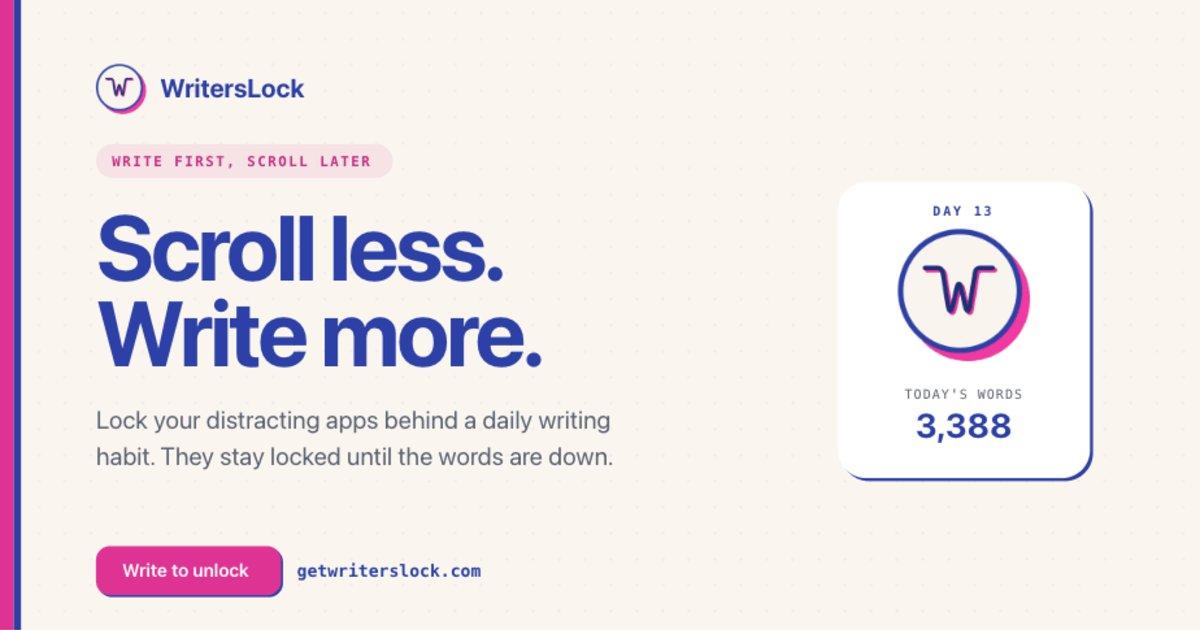
WritersLock Review: The Journaling App That Locks Your Doomscrolling Apps Until You Write
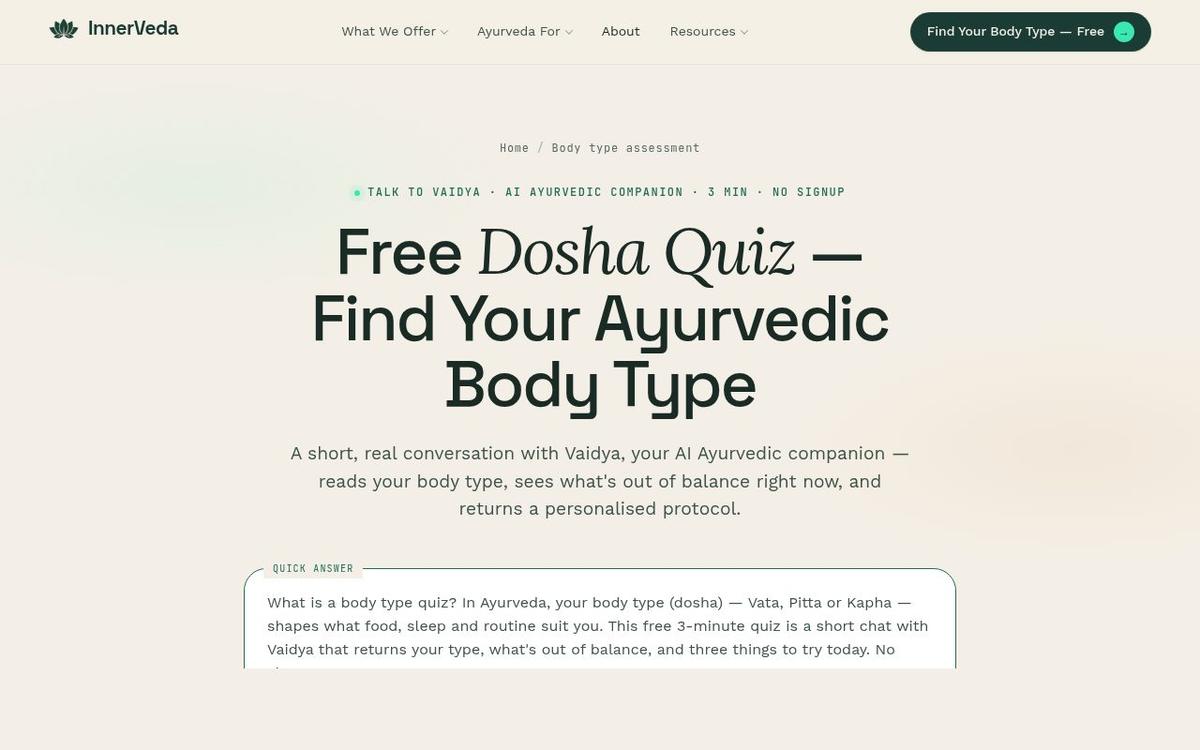
InnerVeda Review: An AI Dosha Quiz That Reads You Like a Practitioner, Not a Form
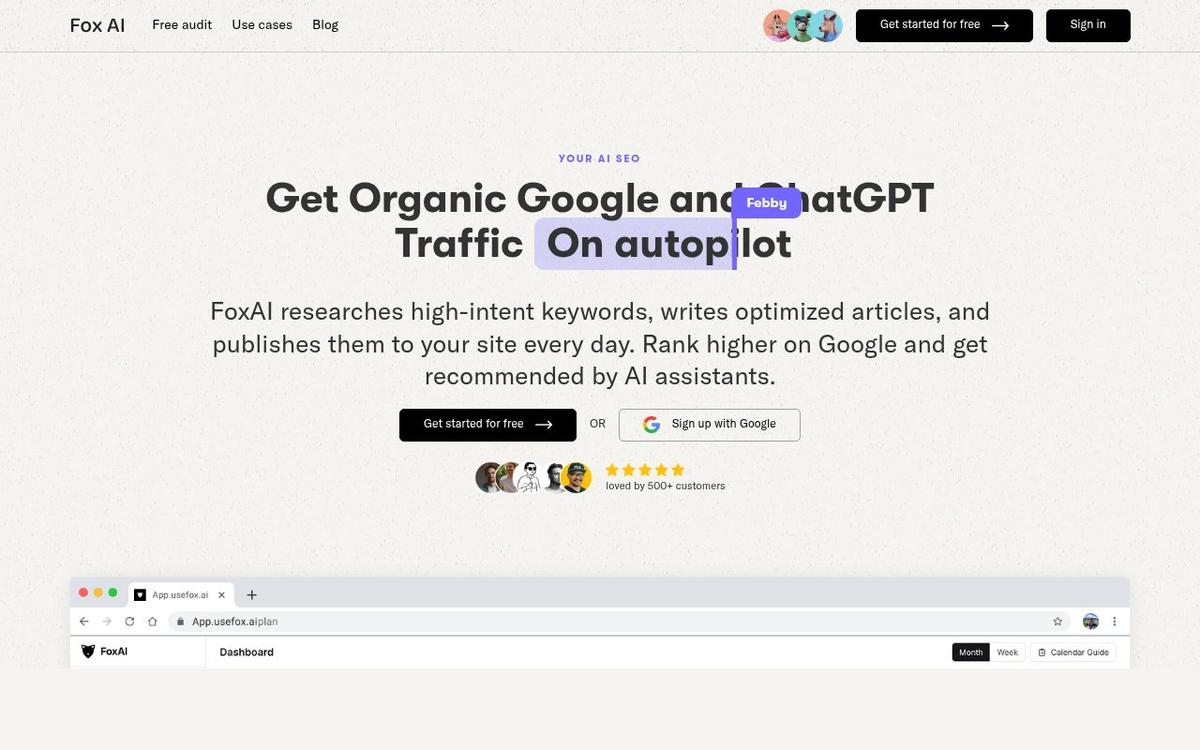
FoxAI Review: SEO Content on Autopilot — Built to Rank on Google and Get Cited by ChatGPT
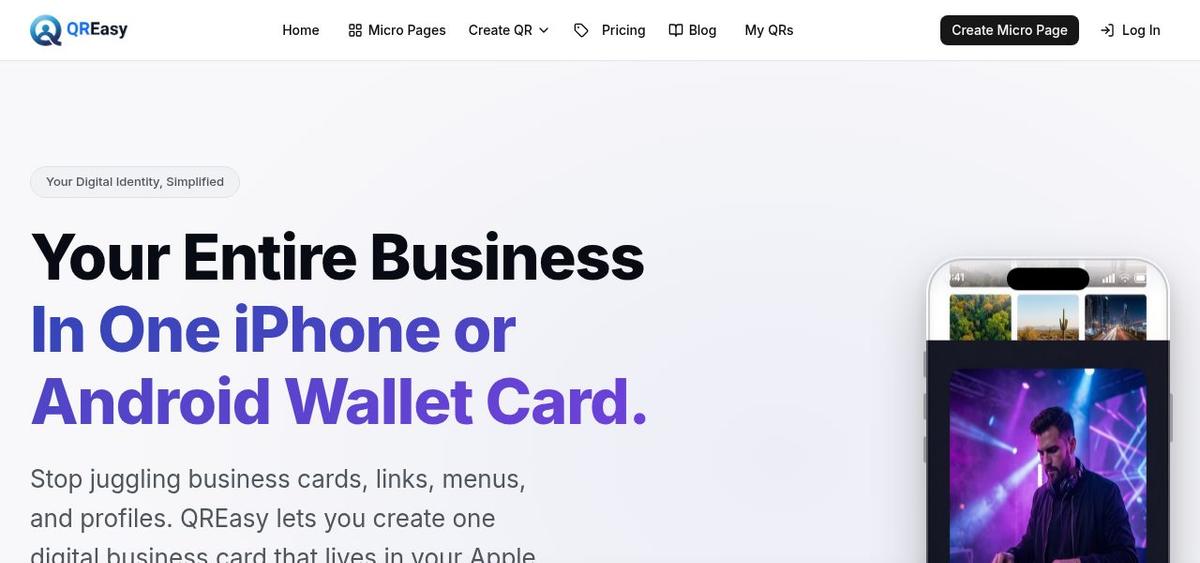
QREasy Review: Your Whole Business in One Apple or Google Wallet Card
Building something yourself?
Launch it on Tiny Startups — get in front of thousands of early adopters, and into the pages Google and AI search engines crawl when people look for tools like yours.
Submit your startup →