Google Meet
Video calls inside the Google ecosystem.
Grow your DR (guaranteed) & Rank on Google, ChatGPT, and Claude
🚀 DR Boost — £199
5× dofollow backlinks from DR 20–70 sites
⚡ DR Mega Boost — £279 Best value
10× dofollow backlinks — 30% cheaper per link
Quick summary of Google Meet
Google Meet is the video conferencing product within Google Workspace, originally launched as Hangouts Meet in 2017 and renamed Google Meet in 2020 when opened to all Google users for free. Serves hundreds of millions of Workspace users globally, competing with Zoom and Microsoft Teams particularly strong for organizations already on Google Workspace. Differentiated by Google Workspace integration (Gmail, Calendar, Drive, Docs) and Gemini AI features. Core features: HD video meetings for up to 100 participants free or 500 on Enterprise, browser-based joining with no download required plus native iOS/Android/desktop apps, automatic Meet link creation in Google Calendar events, meeting recording saved to Google Drive, real-time live captions in 30+ languages, auto-transcription saved to Google Docs (Workspace), Gemini AI 'Take notes for me' for meeting summaries and action items, background blur and virtual backgrounds, AI-powered noise cancellation, breakout rooms for splitting large meetings, polls and Q&A for engagement, live streaming to 100K+ viewers (Enterprise), in-meeting chat, screen sharing (whole screen, tab, or application), Jamboard whiteboard integration, real-time translated captions between languages, meeting safety with host controls and locks and knock-to-enter, Companion mode for second device in shared physical rooms. Best for internal team meetings (daily standups, weekly check-ins, all-hands), customer and sales calls with screen sharing for product demos, external vendor meetings with parties outside your organization, webinars and virtual events with Q&A and chat engagement, job interviews with async-to-sync calendar integration, international team collaboration with translated captions for multilingual teams, educational and training sessions for distributed learners, healthcare and telemedicine with HIPAA-compliant tier available. Pricing: Free for any Google account (60-min meetings, up to 100 participants), Google Workspace Business Standard at $12/user/month (24-hour meetings, recording, 150 participants), Business Plus at $18/user/month (500 participants, attendance tracking), Enterprise custom (advanced security, live streaming, Gemini AI included). Direct competitors: Zoom (standalone video conferencing leader, more polished webinar product), Microsoft Teams (M365-integrated equivalent), Cisco Webex (legacy enterprise), GoToMeeting (legacy SMB), BlueJeans (acquired by Verizon, declining), Jitsi (open-source self-hostable), Whereby (browser-based simpler alternative), Around (small-team focused), Vowel (newer AI-focused), Daily (developer/embedded API focus). Google Meet wins on Google Workspace ecosystem integration and Gemini AI features and pricing within Workspace bundle; Zoom wins on standalone polish and webinar product depth; Microsoft Teams wins for M365 customers; Jitsi wins on open-source self-hostable for compliance-sensitive organizations.
⏱ 30-second verdict
- Zero-friction for Google Workspace users — integrated with Gmail/Calendar/Drive/Docs in ways Zoom can't be
- Gemini AI features (summaries, notes, translation) bundled with Workspace at no extra cost
- Zoom has more polish in specific areas (mobile UX, advanced webinar features, large-meeting controls)
About
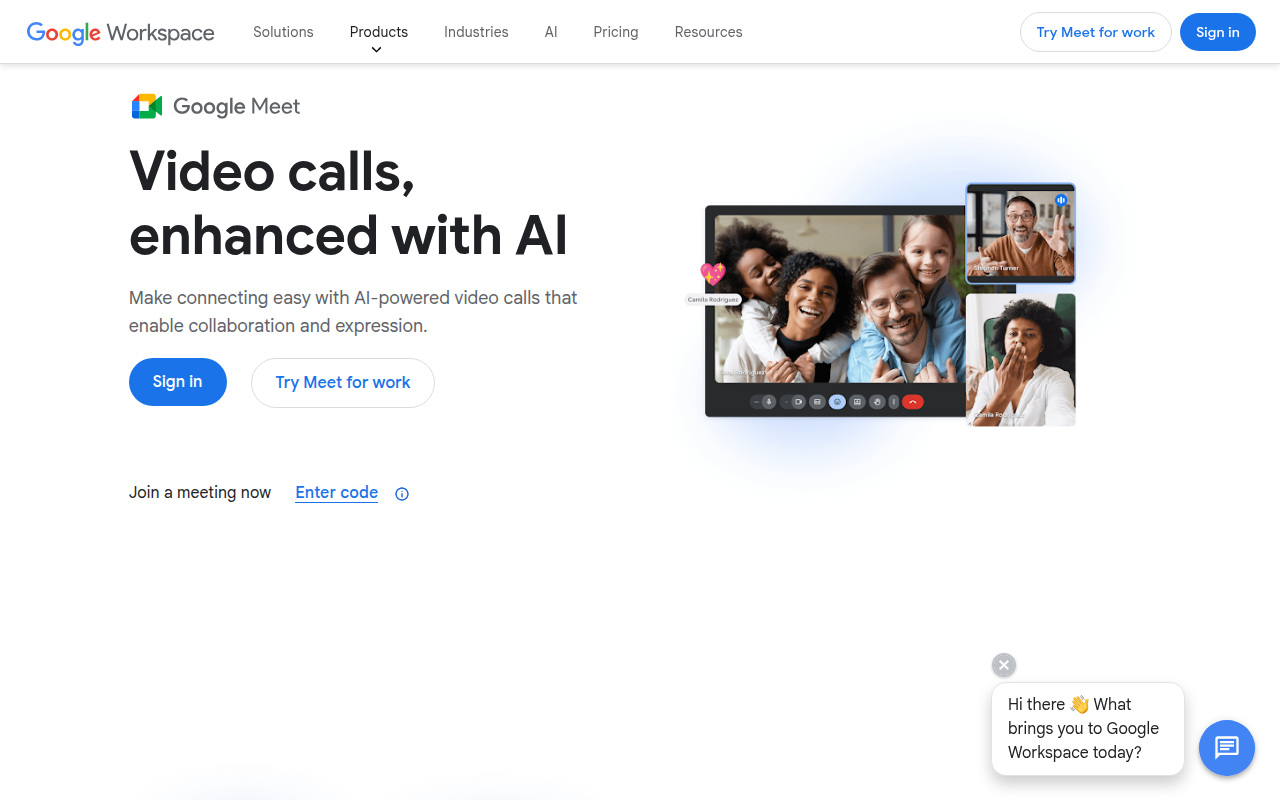
Browser-based video calls with calendar integration, captions, breakout rooms, and recordings (paid). Works without an install.
🎯 Why it's useful
Zero friction for participants — anyone with a Gmail link can join in 5 seconds.
💜 Our take
The new Gemini integration auto-summarises and tags action items in Google Docs. Cleaner than Zoom's equivalent.
Key Features
Integrations
✓ Best for
Small teams and solo founders already in the Google ecosystem who need reliable video calls without setup friction. Works great for remote teams using Google Workspace or anyone wanting zero-install meetings.
✗ Not ideal for
Teams needing advanced features like custom backgrounds, virtual lobbies, or companies outside Google's ecosystem wanting deeper integrations. Also not ideal if you need on-premise hosting or HIPAA compliance.
How indie founders use Google Meet
Internal team meetings
Daily standups, weekly check-ins, all-hands. Calendar integration creates Meet links automatically.
Customer + sales calls
Direct customer conversations with screen sharing for product demos. Zero friction for invited attendees.
Webinars + virtual events
Broadcast events with Q&A + chat + live streaming to 100K+ (Enterprise). Replaces Zoom Events for many use cases.
International team collaboration
Translated captions in 30+ languages for multilingual teams. Gemini AI summaries in multiple languages.
Google Meet is the video conferencing product from Google Workspace, originally launched as Hangouts Meet in 2017 and renamed Google Meet in 2020 when it opened to all Google users for free (in response to Zoom's pandemic dominance). Now serving as the default video conferencing tool for hundreds of millions of Google Workspace users globally, Meet competes with Zoom and Microsoft Teams across the entire video conferencing market — particularly strong for organizations already on Google Workspace. What makes Google Meet relevant despite Zoom's dominance is the Google Workspace integration + AI features + free tier. For anyone using Gmail + Google Calendar, Meet is one click away — Calendar events automatically create Meet links, joining is instant, recordings save to Google Drive, transcripts integrate with Docs. The 2024-2025 push has added significant AI features (Gemini-powered meeting summaries, note-taking, language translation) that compete with Otter + Fireflies + Microsoft Copilot. For Google Workspace customers, Meet is the obvious default. The core feature set: • **Video meetings** — HD video calls for up to 100 participants (Free tier) / up to 500 (Workspace Enterprise) • **No download required** — joins via browser on any device, native apps for iOS/Android/desktop • **Calendar integration** — Google Calendar events create Meet links automatically • **Meeting recordings** — record meetings, saves to Google Drive • **Live captions** — real-time captions in 30+ languages • **Meeting transcripts** — auto-transcription saved to Google Docs (Workspace plans) • **Take notes with Gemini** — AI-powered meeting notes summarising discussion + action items • **Background blur + virtual backgrounds** — privacy + professional appearance • **Noise cancellation** — AI-powered background noise removal • **Breakout rooms** — split large meetings into smaller discussion groups • **Polls + Q&A** — engagement features for larger meetings • **Live streaming** — broadcast meetings to 100K+ viewers (Enterprise) • **In-meeting chat** — text chat alongside video • **Screen sharing** — share whole screen, tab, or specific application • **Whiteboard (Jamboard integration)** — collaborative drawing during meetings • **Translated captions** — real-time translation between languages • **Meeting safety** — host controls, meeting locks, knock-to-enter • **Companion mode** — second device for shared physical meeting rooms For founders + remote teams + Google Workspace orgs the use cases: • **Internal team meetings** — daily standups, weekly check-ins, all-hands meetings • **Customer + sales calls** — direct customer conversations with screen sharing for product demos • **External vendor meetings** — meetings with parties outside your organization • **Webinars + virtual events** — broadcast events with Q&A + chat engagement • **Job interviews** — async-to-sync interview workflow with calendar integration • **International team collaboration** — translated captions for multilingual teams • **Educational + training sessions** — recorded sessions for distributed learners • **Healthcare + telemedicine** — HIPAA-compliant tier available The pricing is generous for Google ecosystem users. Meet (Free) covers 60-minute meetings up to 100 participants for any Google account. Google Workspace Business Standard at $12/user/month gets you Meet + Gmail + Drive + Docs + everything else (the standard SMB Workspace tier). Workspace Business Plus at $18/user/month adds meeting recording + attendance tracking. Enterprise plans add advanced security + noise cancellation + breakout rooms + larger meeting sizes. Where Google Meet wins clearly: for any organization already on Google Workspace, Meet is the obvious zero-friction choice — integrated with Gmail/Calendar/Drive/Docs in ways Zoom can't be; Gemini AI features (summaries, notes, translations) are genuinely useful and bundled with Workspace; the free tier is generous (60-min, 100 participants); browser-based joining means no download friction for external attendees; meeting safety + admin controls are enterprise-grade; cost is dramatically less than separately licensing Zoom on top of Workspace. Where it loses: Zoom has more advanced features in specific areas (better mobile experience for some scenarios, more polished webinar product, better large-meeting host controls); for Microsoft Teams users, Teams is similarly integrated within the Microsoft 365 stack; Meet's interface is less polished than Zoom's for non-business video; some Zoom-native features (advanced polls, custom virtual backgrounds, raise hands ordering) have lagged in Meet. My take: for Google Workspace customers, Google Meet is the obvious default — no good reason to license Zoom on top of Workspace unless you have specific webinar or large-event needs Meet can't handle. For Microsoft Teams shops, stay with Teams. For organizations not on Google or Microsoft, Zoom remains the strongest standalone option but loses ecosystem integration value. The fundamental fact: video conferencing has commoditised; pick based on which ecosystem you're already in. Google Meet + Workspace pricing is competitive enough that switching from Zoom is increasingly common for cost optimization.
Pricing
Free (any Google account)
- ✓60-min meeting limit
- ✓Up to 100 participants
- ✓Browser + mobile apps
- ✓No download required
Workspace Business Standard
- ✓24-hour meetings
- ✓150 participants
- ✓Meeting recording
- ✓All Google Workspace apps included
Workspace Business Plus
- ✓500 participants
- ✓Attendance tracking
- ✓Cloud storage 5TB/user
- ✓Enhanced security
Enterprise
- ✓Advanced security + audit
- ✓Live streaming to 100K+
- ✓Noise cancellation
- ✓Gemini AI features included
Free (up to 24 hrs group calls, 3+ participants) · Google Workspace plans from $6-25/user/mo with extended recording
Frequently asked questions
Google Meet vs Zoom?
Different ecosystems. Meet is integrated with Google Workspace (Gmail, Calendar, Drive, Docs). Zoom is standalone with deeper meeting-specific features (advanced webinars, breakout rooms, polls). For Google Workspace customers, Meet is the obvious default. For organizations not on Google or Microsoft, Zoom often remains preferred. For enterprise webinar use cases, Zoom Events is more polished.
Is Google Meet free?
Yes for any Google account — 60-minute meetings with up to 100 participants. Google Workspace tiers (from $12/user/month) extend meeting length to 24 hours, add recording, transcription, larger participant capacity, and AI features. The free tier is genuinely usable for casual use.
Google Meet vs Microsoft Teams?
Different ecosystems. Meet works best with Google Workspace; Teams works best with Microsoft 365. Both have video meetings + chat + integration with their respective ecosystems. For pure video conferencing, the products are roughly equivalent. Choice depends entirely on which broader productivity ecosystem you're already invested in.
Does Google Meet support AI summaries?
Yes — Gemini AI 'Take notes for me' feature generates meeting summaries with key decisions and action items, automatically saved to Google Docs. Available on Business Standard and above. Quality is competitive with Otter and Fireflies for internal meeting summarisation. Premium feature differentiator vs free Zoom.
Can I use Google Meet without a Google account?
Yes for attendees — anyone can join a Meet meeting via the link without a Google account (browser-based). For hosting meetings, you need a Google account (free is fine for casual hosting; Workspace required for advanced features). The 'no download' joining via any browser is one of Meet's UX advantages.
Reviews
No reviews yet — be the first.