Loom
Async video that replaces meetings.
Grow your DR (guaranteed) & Rank on Google, ChatGPT, and Claude
🚀 DR Boost — £199
5× dofollow backlinks from DR 20–70 sites
⚡ DR Mega Boost — £279 Best value
10× dofollow backlinks — 30% cheaper per link
Quick summary of Loom
Loom is an asynchronous video messaging platform founded in 2015 by Joe Thomas, Shahed Khan, and Vinay Hiremath (Y Combinator W16). Acquired by Atlassian in 2023 for $975M. It's the leading screen-recording tool for asynchronous team communication, used by 25M+ users to replace meetings with short recorded videos. Core features: one-click screen + webcam recording, instant shareable links, watch analytics, comment threads on videos, AI-generated titles and summaries, automatic filler-word removal, and integrations with Slack, Notion, Linear, and Atlassian's suite. Best for remote teams replacing meetings with async videos, customer support recordings, bug reports, product walkthroughs, and onboarding content. The free Starter tier limits videos to 5 minutes; Business at $12.50/user/month removes limits and adds AI features. Direct competitors: Tella (camera-forward, podcast feel), Scribe (step-by-step guides, different category), Berrycast (open-source self-hosted), Vimeo Record (built into Vimeo workflow), CleanShot X (Mac screenshots + recording, no cloud). Loom wins on ecosystem and integrations; Tella wins on editing for talking-head videos.
⏱ 30-second verdict
- Lowest-friction screen recording tool, two clicks to start
- AI auto-removes filler words, makes you sound better
- Free tier now capped at 5-minute videos, you'll upgrade
About
Record screen + webcam, get an instantly shareable link with auto-generated transcripts, viewer analytics, and threaded comments.
🎯 Why it's useful
A 90-second Loom replaces a 30-minute meeting. Async-first teams genuinely cannot operate without it.
💜 Our take
AI-generated chapters and titles save us 5 minutes of post-production every recording.
Key Features
Integrations
✓ Best for
Remote teams, customer support specialists, and product managers who need to communicate complex ideas asynchronously without scheduling calls. Solo founders and small teams replacing back-and-forth emails with quick video explanations.
✗ Not ideal for
Teams needing live collaboration or real-time interaction; companies with strict data residency requirements may find limited compliance options. High-volume video storage needs may become expensive beyond freemium tier.
How indie founders use Loom
Async standup replacement
Record your daily update once, team watches at their own pace. Replaces the 'let's all sync at 9am' meeting that nobody wants.
Bug reproductions for engineers
Record yourself triggering a bug while narrating. Devs get the full context (screen, audio, your reasoning) without back-and-forth in Linear.
Customer onboarding videos
Walk new users through your product in 3-5 minutes. Embed in your help docs. Saves real support load.
Investor / customer demos
Record a deep-dive product walkthrough. Send the link. They watch when they actually have time, not in a forced 30-min slot.
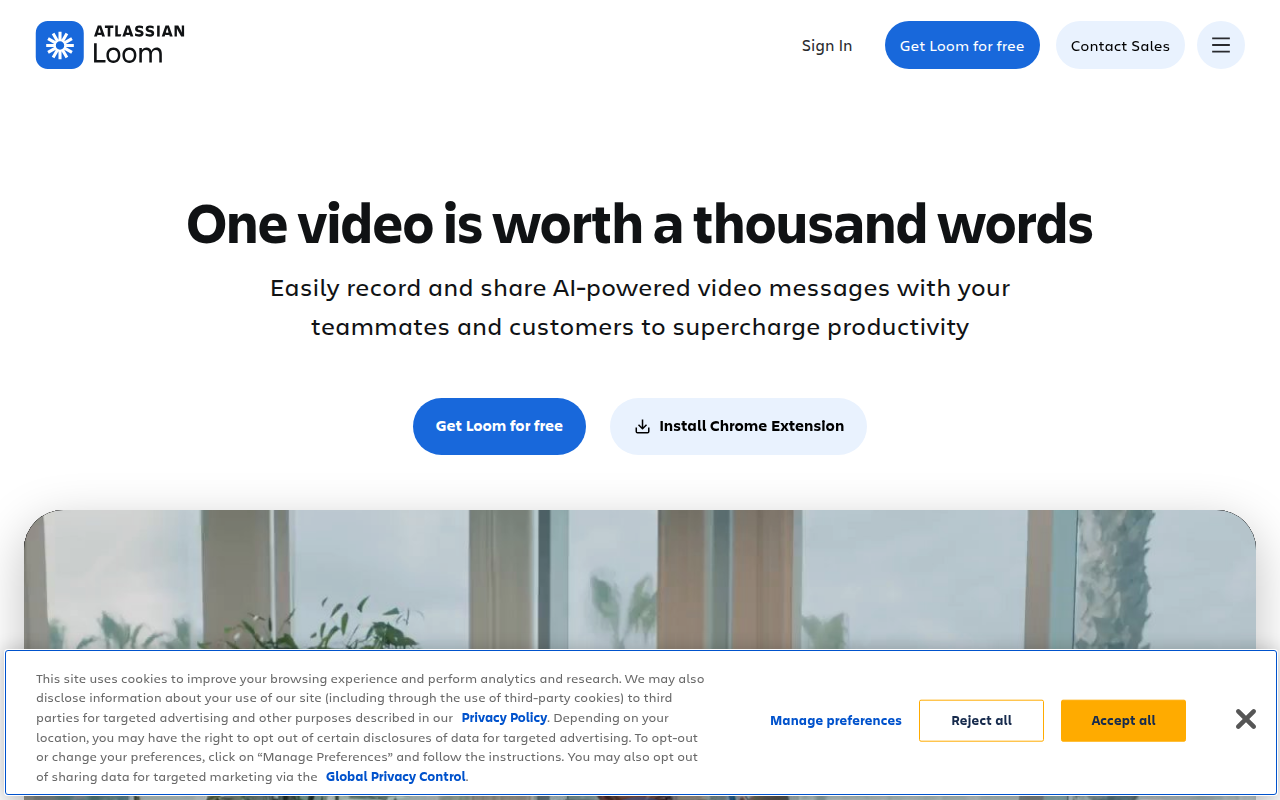
Loom is the screen-recording tool you've definitely watched videos from. Async video instead of meetings. Click record, capture your screen plus webcam, share a link. The recipient watches at their own pace and replies in writing. For remote teams it's a genuine alternative to 'let's hop on a quick call' that nobody actually wants to hop on. The magic is in the friction. Loom is built so recording is as easy as opening a tab. The Chrome extension, desktop app, and mobile app all start a recording in two clicks. AI features added recently auto-generate titles, summaries, and even remove filler words ('um', 'uh') from your recording. The result feels less amateur than your average screen recording. For founders the use cases are obvious. Product walkthroughs for investors. Bug reproductions for engineers. Customer onboarding videos. Async standups (record once, team watches at their own pace). Loom replaces meetings that should never have been meetings, which is most of them. The pricing got messy after Atlassian acquired them in 2023. The free tier dropped from 25 videos to 25 videos with a 5-minute limit. Business at $12.50/user/month removes the limit and adds AI features. Most teams will need Business. There are now also concerns about the long-term direction of Loom under Atlassian, who tend to enterprise-ify everything they touch (RIP Trello as a delightful free tool). Where Loom is still genuinely the best: the embedded video player, the watch analytics (you can see who actually watched and how far they got), the Slack and Notion integrations. Competitors like Scribe, Tella, and Berrycast are good but Loom's ecosystem is still ahead. My recommendation: use Loom. Pay for Business if you record more than once a week. Don't fight the default. If Atlassian breaks it (they might), the export-to-MP4 path exists and you can switch. For now, it's the right answer.
Pricing
Starter
- ✓25 videos per person
- ✓5-minute video limit
- ✓Standard recording quality
- ✓Basic editing
Business
- ✓Unlimited videos
- ✓Unlimited recording length
- ✓AI features (titles, summaries, filler removal)
- ✓Custom branding
Enterprise
- ✓SSO + advanced security
- ✓Granular permissions
- ✓Custom data retention
- ✓Dedicated support
Free (25 videos/month, 5 min max) · Pro $12.50/mo (unlimited videos, 120 min max, custom branding) · Business $25/seat/mo (team management, advanced permissions)
Frequently asked questions
Is Loom free?
Yes but the free Starter tier limits videos to 5 minutes and caps you at 25 videos total. Business at $12.50/user/month removes those limits and adds AI features (auto-summaries, filler-word removal).
Loom vs Tella vs Scribe, which is best?
Loom for general screen recording with the most polished player and integrations. Tella for camera-forward, podcast-style recordings with better editing. Scribe for step-by-step screenshot guides (different category, really). Loom is the safe default.
Did Atlassian acquiring Loom make it worse?
Pricing tightened slightly post-acquisition (5-min cap on free tier). Product direction is unclear long-term. So far Loom has stayed Loom, but if you've watched Atlassian buy other products, history isn't encouraging. Export-to-MP4 always works as an escape valve.
Can I edit a Loom after recording?
Yes. You can trim the start/end, cut middle sections, add chapter markers, and (on Business) auto-remove filler words. For heavier editing, export to MP4 and use Descript or Premiere.
Does Loom work for customer support videos?
Yes. Many SaaS teams record Loom answers for common support questions and link the videos in their help docs. Lower production effort than a polished tutorial, more personal than text.
Reviews
No reviews yet — be the first.
Tools like Loom
See all Productivity →Notion
The all-in-one workspace for notes, docs, and projects.
Linear
Issue tracking that respects your time.
PDF0
Fast, free PDF tools that run entirely in your browser.
Yo!
The Yo! Podcast spotlights incredible designers, developers, makers and entrepreneurs building their own future.
Workflow
Workflow is a project manager built for creative teams. Streamlines reviews and iterations. Built-in AI catches design mistakes.
Webflail
Join 750+ designers and developers to learn how to reach a profitable and fulfilling freelancing from expert Webflowers.