Tiny Startups

Explore

🏠 Home📊 Domain Rating⚡ Alternatives🌟 Startup of the Day🎧 Startups.fm💡 2,700+ Startup Ideas
← All comparisons

Productivity comparison

NotionvsVS Code Themes

Two of the best productivity tools, compared side-by-side. Here’s how each one stacks up.

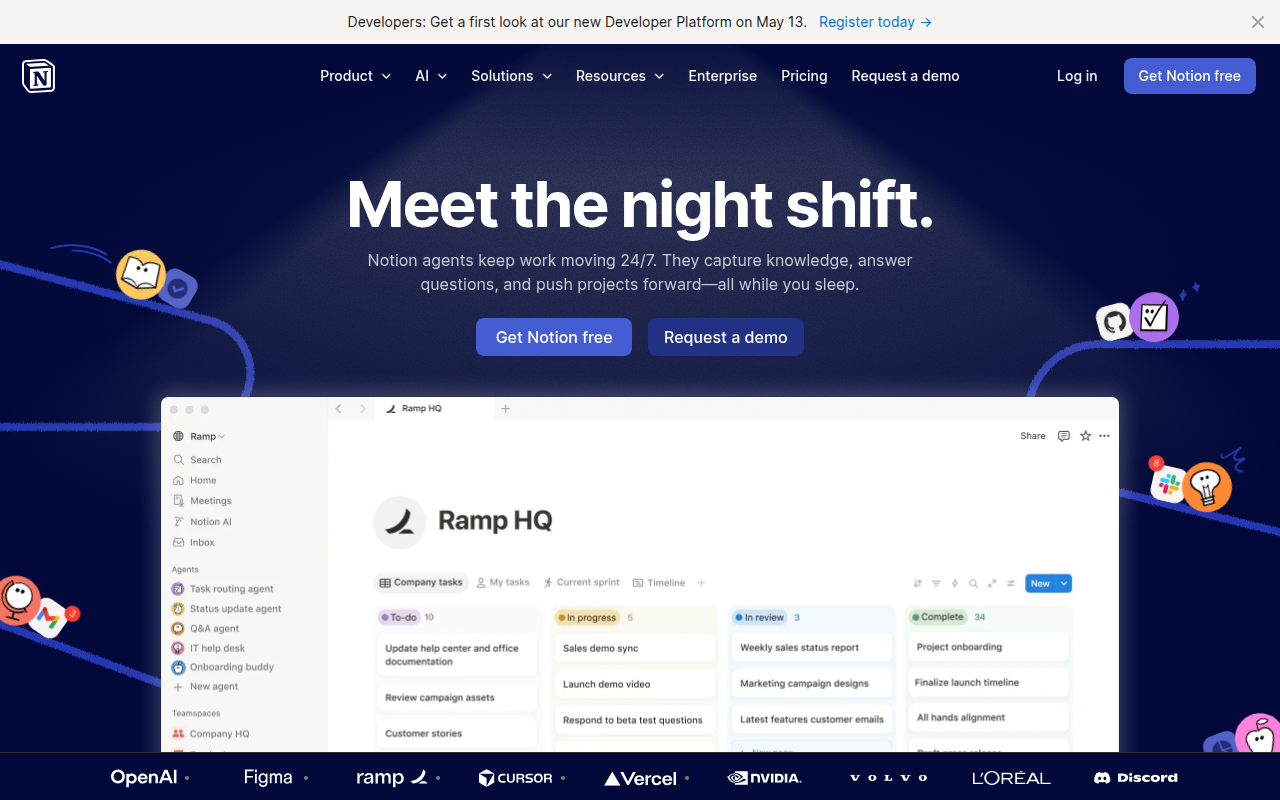
Notion preview

Notion

The all-in-one workspace for notes, docs, and projects.

ProductivityFreemium★ Editor’s Pick

🎯 Why it’s useful

Replaces Confluence + Trello + Google Docs + Airtable for many teams. Cheap to start, scales surprisingly well.

💜 Why we like it

You can be productive on day one without reading docs. The keyboard shortcuts are world-class.

VS Code Themes preview

VS Code Themes

Preview and discover beautiful VS Code themes in your browser.

ProductivityFree

🎯 Why it’s useful

Founders and developers can quickly find a theme that reduces eye strain during long coding sessions without the hassle of installing and uninstalling dozens of extensions.

💜 Why we like it

It's like window shopping for your code editor. The live preview with actual syntax highlighting saves so much time compared to the guessing game in the VS Code marketplace.

At a glance

NotionVS Code Themes
PricingFreemiumFree
CategoryProductivityProductivity
Editor’s Pick★ Yes
TaglineThe all-in-one workspace for notes, docs, and projects.Preview and discover beautiful VS Code themes in your browser.
Websitenotion.sovscodethemes.com

We make no money when you click through to either tool unless an affiliate link is in place — disclosed on the individual tool page.