
Tiny Startups

Explore

🏠 Home📊 Domain Rating⚡ Alternatives🌟 Startup of the Day🎧 Startups.fm💡 2,700+ Startup Ideas
← All comparisons

Productivity comparison

NotionvsScreenSnap Pro

Two of the best productivity tools, compared side-by-side. Here’s how each one stacks up.

Notion preview

Notion

The all-in-one workspace for notes, docs, and projects.

ProductivityFreemium★ Editor’s Pick

🎯 Why it’s useful

Replaces Confluence + Trello + Google Docs + Airtable for many teams. Cheap to start, scales surprisingly well.

💜 Why we like it

You can be productive on day one without reading docs. The keyboard shortcuts are world-class.
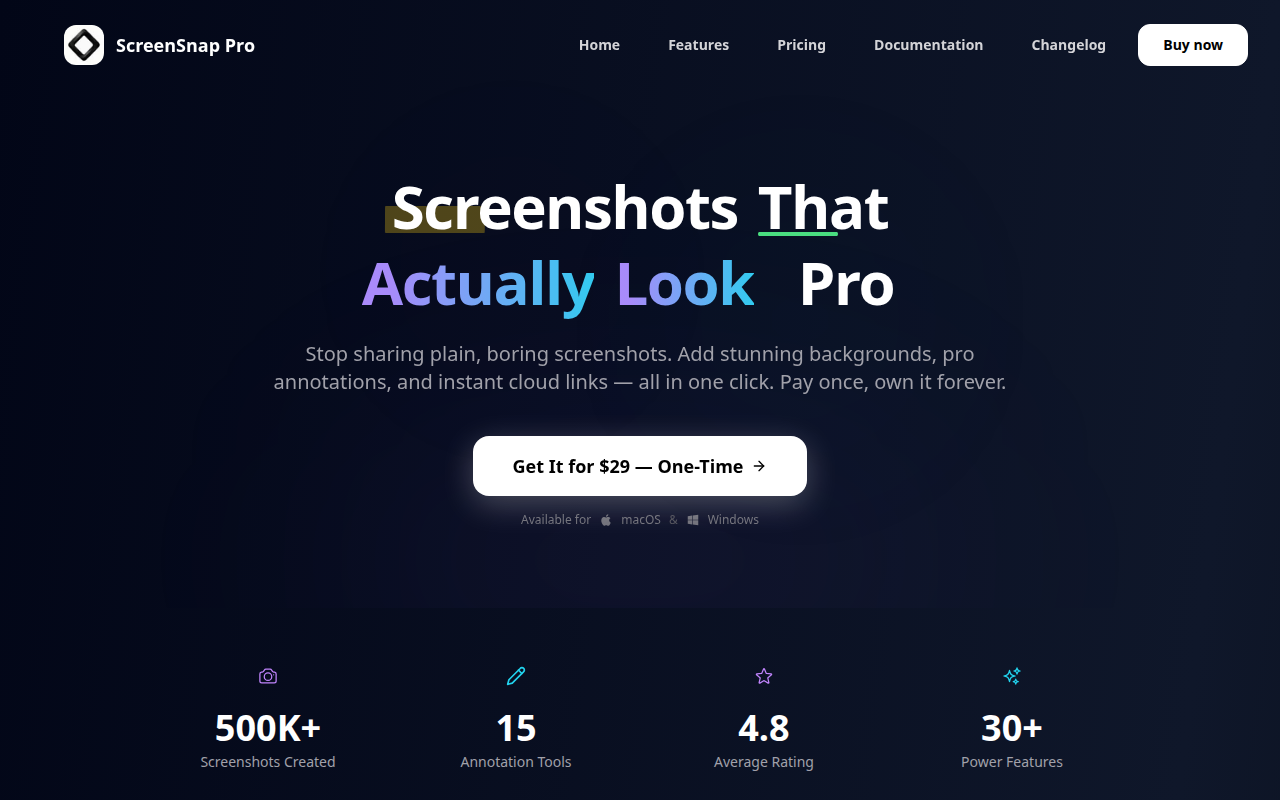
ScreenSnap Pro preview

ScreenSnap Pro

Capture, annotate, and share screenshots instantly from your desktop.

ProductivityFreemium

🎯 Why it’s useful

Perfect for founders documenting bugs, creating quick tutorials for users, or sharing product feedback with remote teams without the hassle of manual file uploads.

💜 Why we like it

It's refreshingly fast and stays out of your way. The instant link sharing is a game-changer when you're firing off screenshots in Slack all day.

At a glance

NotionScreenSnap Pro
PricingFreemiumFreemium
CategoryProductivityProductivity
Editor’s Pick★ Yes
TaglineThe all-in-one workspace for notes, docs, and projects.Capture, annotate, and share screenshots instantly from your desktop.
Websitenotion.soscreensnap.pro

We make no money when you click through to either tool unless an affiliate link is in place — disclosed on the individual tool page.