Tiny Startups

Explore

🏠 Home📊 Domain Rating⚡ Alternatives🌟 Startup of the Day🎧 Startups.fm💡 2,700+ Startup Ideas
← All comparisons

Video comparison

Boom for MacvsMirage

Two of the best video tools, compared side-by-side. Here’s how each one stacks up.

Boom for Mac preview

Boom for Mac

Create stunning product videos and demos on your Mac.

VideoPaid

🎯 Why it’s useful

Perfect for founders who need to create product demos, feature announcements, or tutorial videos without hiring a video editor or learning complex software.

💜 Why we like it

It's refreshingly simple for Mac users who want that premium Loom-meets-Motion feel. The automatic zoom and cursor effects save hours of manual editing.
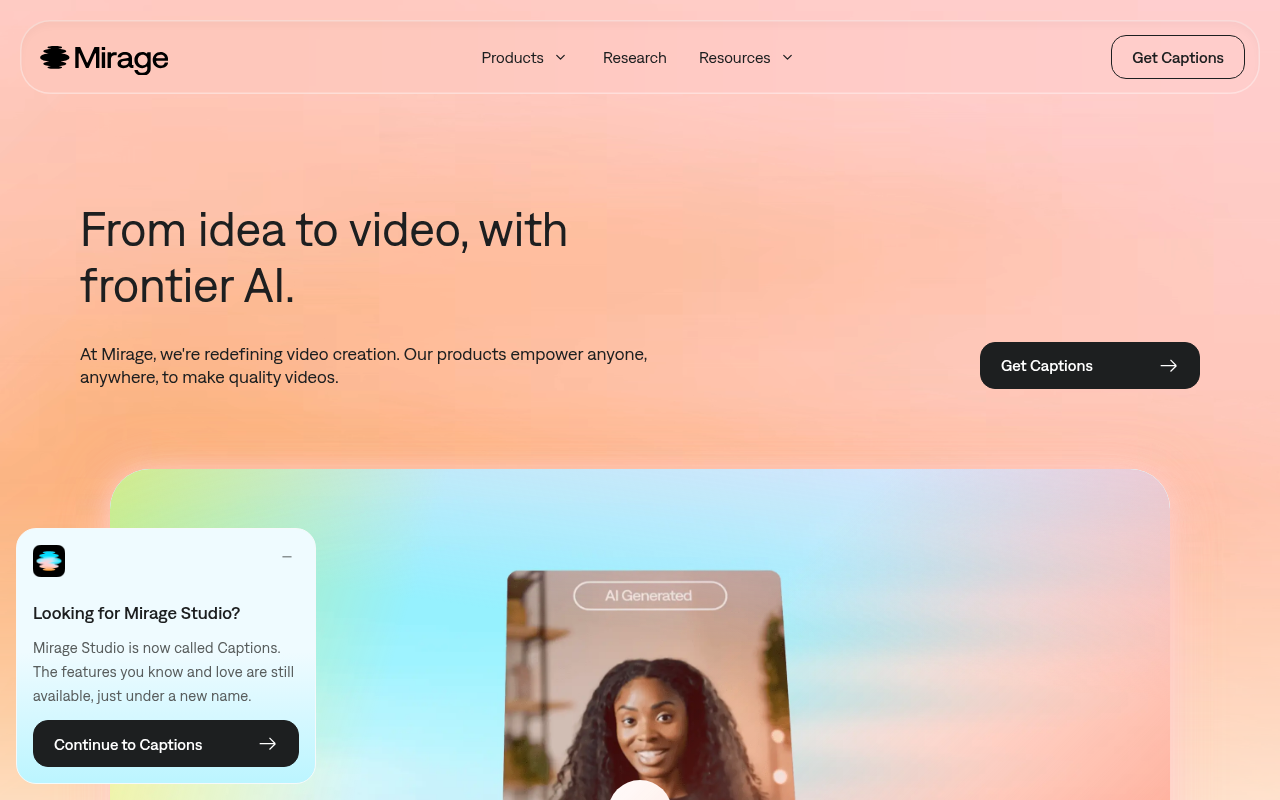
Mirage preview

Mirage

Create stunning AI videos from text prompts in seconds.

VideoFreemium

🎯 Why it’s useful

Startup founders can quickly produce product demos, social media content, and marketing videos without hiring videographers or learning complex editing software.

💜 Why we like it

It's refreshingly simple to use and the output quality is impressive for AI-generated content. Great for rapid prototyping video ideas before committing to full production.

At a glance

Boom for MacMirage
PricingPaidFreemium
CategoryVideoVideo
Editor’s Pick
TaglineCreate stunning product videos and demos on your Mac.Create stunning AI videos from text prompts in seconds.
Websiteboomvideo.appmirage.app

We make no money when you click through to either tool unless an affiliate link is in place — disclosed on the individual tool page.