Tiny Startups

Explore

🏠 Home🎁 Refer & earn⚡ Alternatives🌟 Startup of the Day🔄 Buy & Sell Startups🎧 Startups.fm💡 2,700+ Startup Ideas
← All comparisons

Design comparison

FigmavsJitter

Two of the best design tools, compared side-by-side. Here’s how each one stacks up.

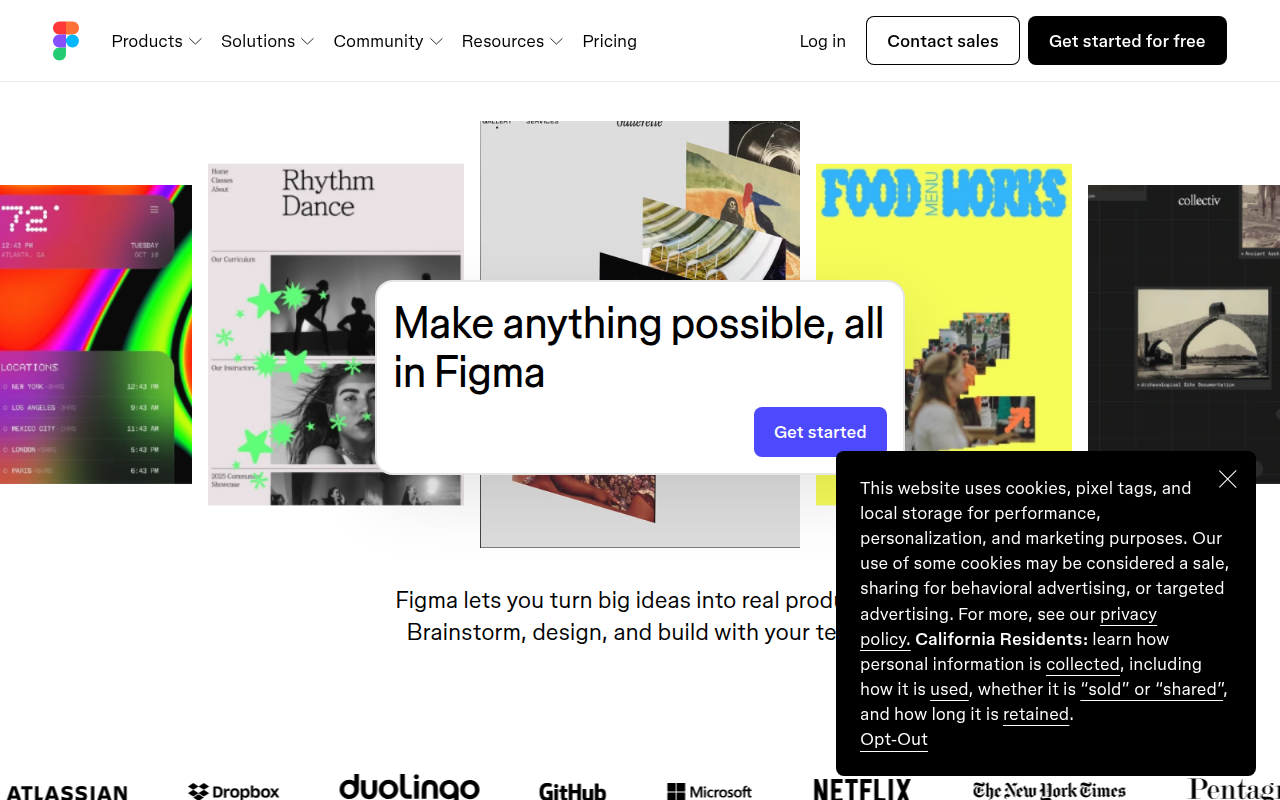
Figma preview

Figma

The browser-based design tool everyone uses.

DesignFreemium★ Editor’s Pick

🎯 Why it’s useful

Universal lingua franca for design. Every designer you hire already knows it.

💜 Why we like it

Auto Layout + Variables make design tokens that actually work for engineers.
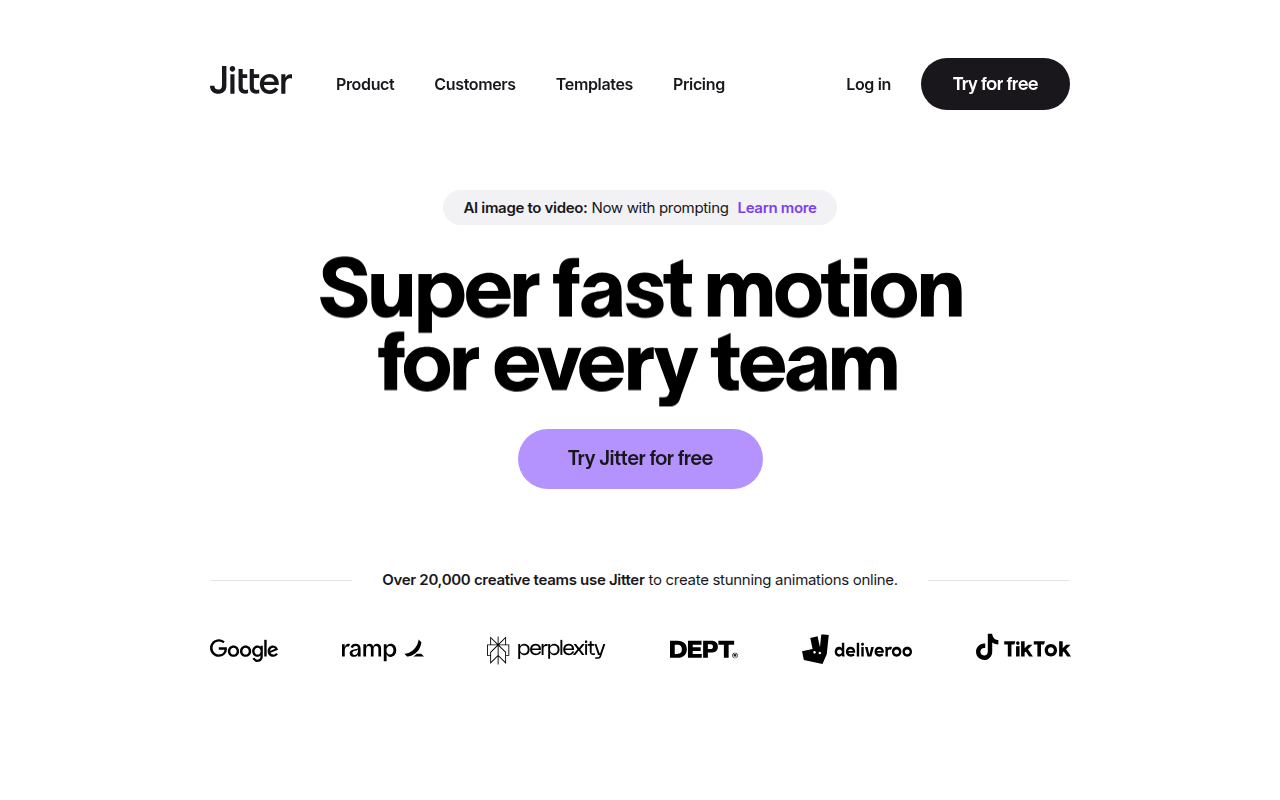
Jitter preview

Jitter

Create professional motion design animations right in your browser.

DesignFreemium

🎯 Why it’s useful

Perfect for founders who need polished product demos, animated social ads, or app store preview videos without hiring a motion designer or learning complex software.

💜 Why we like it

It feels like Figma met After Effects and had a much friendlier baby. The learning curve is surprisingly gentle for what you can actually produce.

At a glance

FigmaJitter
PricingFreemiumFreemium
CategoryDesignDesign
Editor’s Pick★ Yes
TaglineThe browser-based design tool everyone uses.Create professional motion design animations right in your browser.
Websitefigma.comjitter.video

We make no money when you click through to either tool unless an affiliate link is in place — disclosed on the individual tool page.