Tiny Startups

Explore

🏠 Home🎁 Refer & earn⚡ Alternatives🌟 Startup of the Day🔄 Buy & Sell Startups🎧 Startups.fm
← All comparisons

Design comparison

Colors.toolsvsFigma

Two of the best design tools, compared side-by-side. Here’s how each one stacks up.

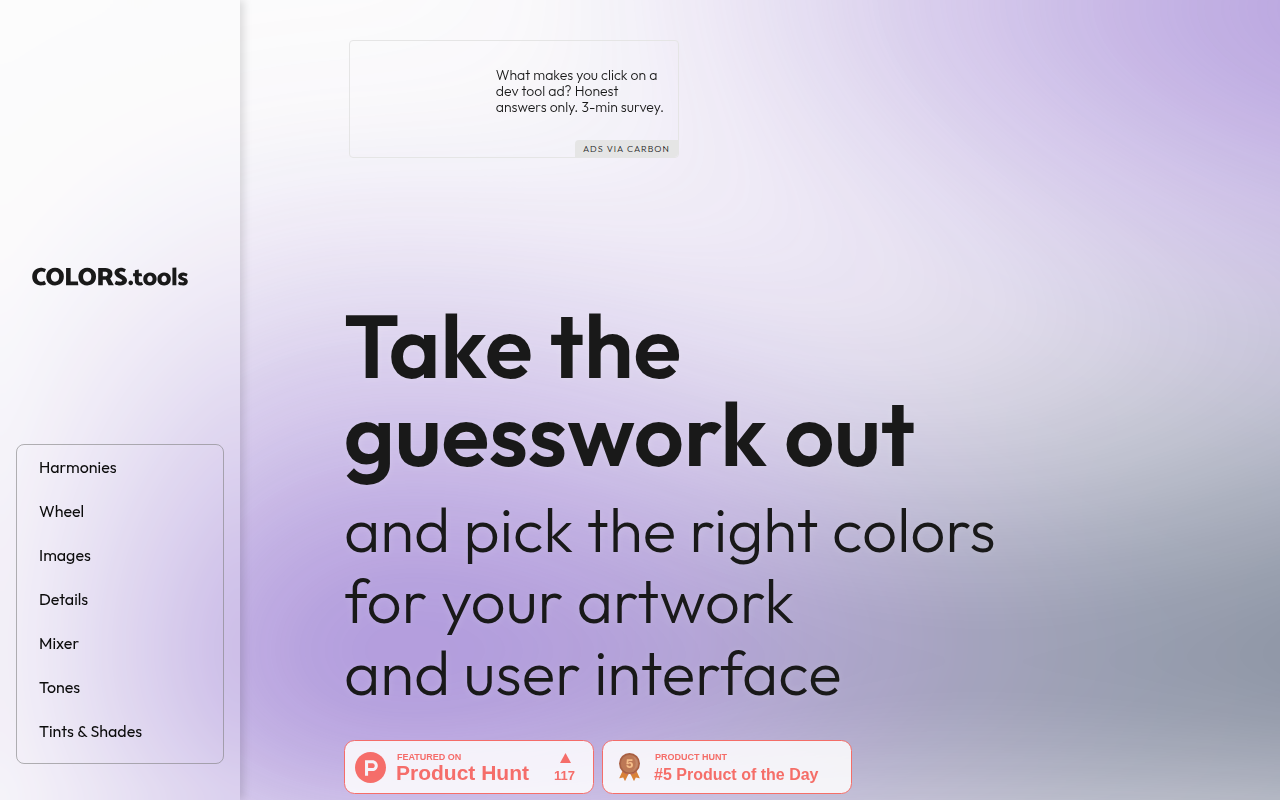
Colors.tools preview

Colors.tools

Generate beautiful color palettes and gradients for your designs.

DesignFree

🎯 Why it’s useful

When you need to quickly create a cohesive color scheme for your landing page or app, this gives you instant palette suggestions and ensures your colors meet accessibility standards.

💜 Why we like it

It's refreshingly simple with no signup required—just jump in and start playing with colors. The gradient generator is particularly handy for creating modern UI elements.
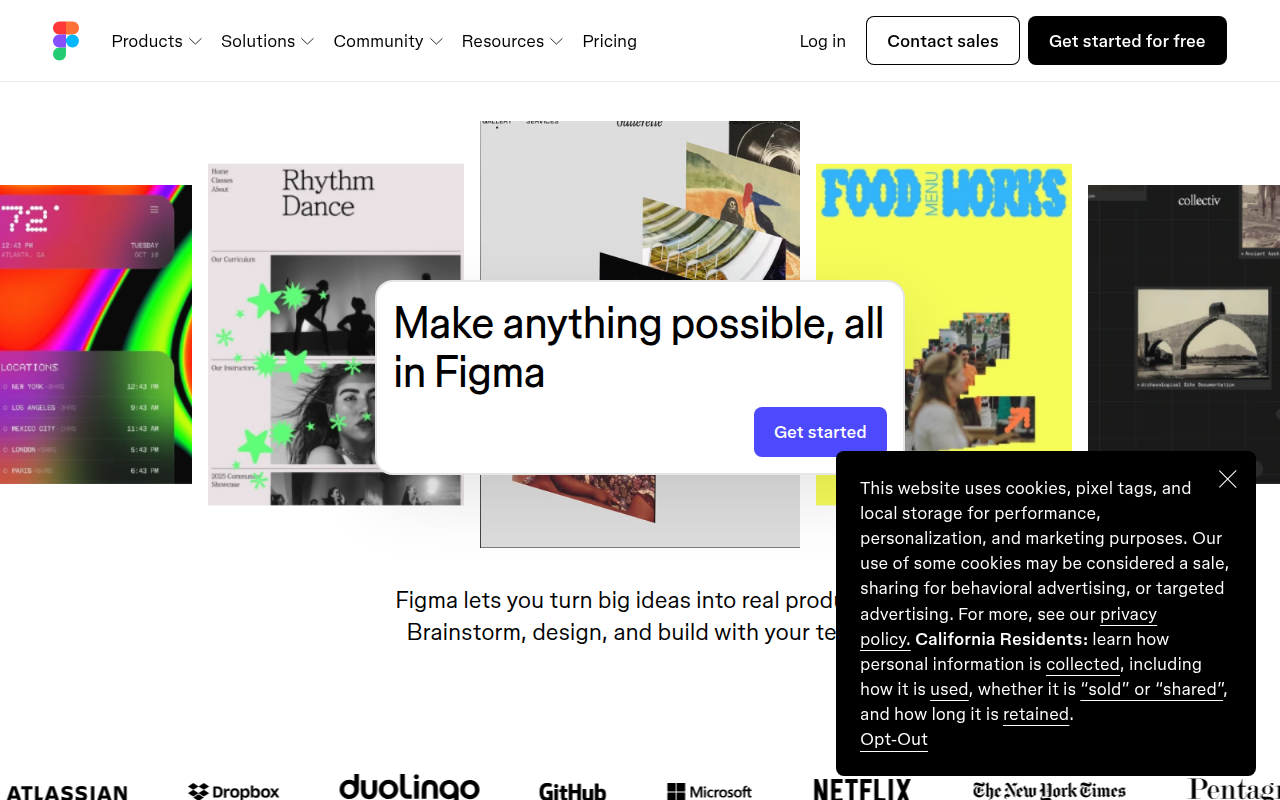
Figma preview

Figma

The browser-based design tool everyone uses.

DesignFreemium★ Editor’s Pick

🎯 Why it’s useful

Universal lingua franca for design. Every designer you hire already knows it.

💜 Why we like it

Auto Layout + Variables make design tokens that actually work for engineers.

At a glance

Colors.toolsFigma
PricingFreeFreemium
CategoryDesignDesign
Editor’s Pick★ Yes
TaglineGenerate beautiful color palettes and gradients for your designs.The browser-based design tool everyone uses.
Websitecolors.toolsfigma.com

We make no money when you click through to either tool unless an affiliate link is in place — disclosed on the individual tool page.