Tiny Startups

Explore

🏠 Home✨ Swipe Mode🎁 Exclusive Deals🛠 Tools⚡ Alternatives🌟 Startup of the Day🔄 Buy & Sell Startups
← All comparisons

Design comparison

After DesignvsFigma

Two of the best design tools, compared side-by-side. Here’s how each one stacks up.

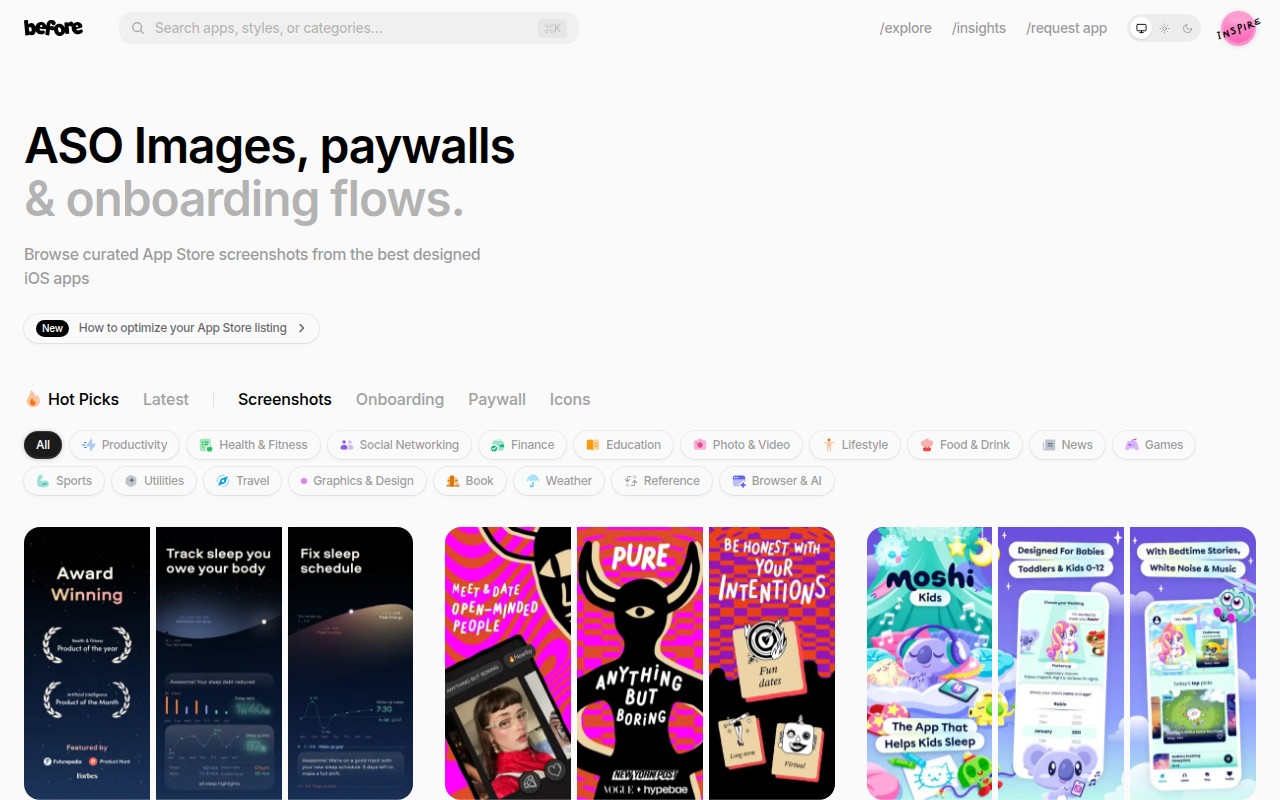
After Design preview

After Design

See real before-and-after design transformations for instant inspiration.

DesignFree

🎯 Why it’s useful

When you're stuck on how to improve your landing page or product UI, seeing actual before-and-after examples helps you identify what's working and apply those patterns to your own redesign.

💜 Why we like it

It's like having a library of design glow-ups at your fingertips. Super helpful when you need to convince yourself (or your team) that a redesign is worth the effort.
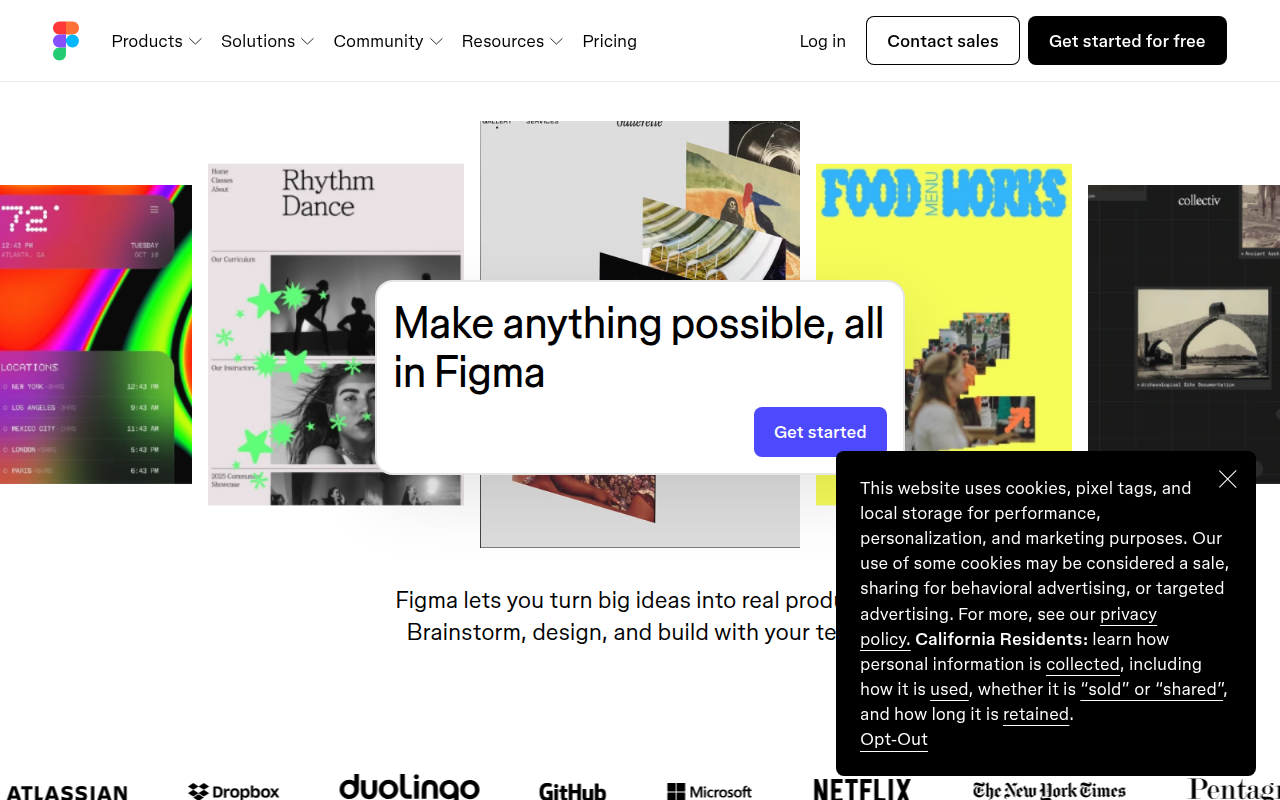
Figma preview

Figma

The browser-based design tool everyone uses.

DesignFreemium★ Editor’s Pick

🎯 Why it’s useful

Universal lingua franca for design. Every designer you hire already knows it.

💜 Why we like it

Auto Layout + Variables make design tokens that actually work for engineers.

At a glance

After DesignFigma
PricingFreeFreemium
CategoryDesignDesign
Editor’s Pick★ Yes
TaglineSee real before-and-after design transformations for instant inspiration.The browser-based design tool everyone uses.
Websitebefore.clickfigma.com

We make no money when you click through to either tool unless an affiliate link is in place — disclosed on the individual tool page.