Calendly
The most polished scheduling tool.
Grow your DR (guaranteed) & Rank on Google, ChatGPT, and Claude
🚀 DR Boost — £199
5× dofollow backlinks from DR 20–70 sites
⚡ DR Mega Boost — £279 Best value
10× dofollow backlinks — 30% cheaper per link
Quick summary of Calendly
Calendly is a meeting scheduling platform founded in 2013 by Tope Awotona. It's the dominant tool for booking meetings via shared links, used by over 20 million users to eliminate calendar back-and-forth. Core features: connect Google Calendar or Outlook, define meeting types with custom durations and questions, share booking links anywhere, automated email/SMS reminders, reschedule and cancel flows, routing forms for sales qualification, and CRM integrations (Salesforce, HubSpot, Pipedrive). Best for solo founders, sales teams, recruiters, and anyone whose job involves scheduling many meetings with external people. Free tier supports 1 event type and unlimited bookings; Standard is $12/user/month, Teams $20/user/month, Enterprise custom. Direct competitors: Cal.com (open-source, similar features, cheaper or self-hostable), SavvyCal (calendar overlay UX, $12/month flat), Tidycal (lifetime deal $29), Acuity Scheduling (Squarespace-owned, service business focused), Doodle (group polling), Microsoft Bookings (bundled with Microsoft 365). Calendly wins on brand recognition and ecosystem; Cal.com wins on open-source and price.
⏱ 30-second verdict
- The default booking link, recipients know what to do
- Free tier handles basic 30-min meetings for solo founders
- Cal.com offers similar features for free / self-hosted
About
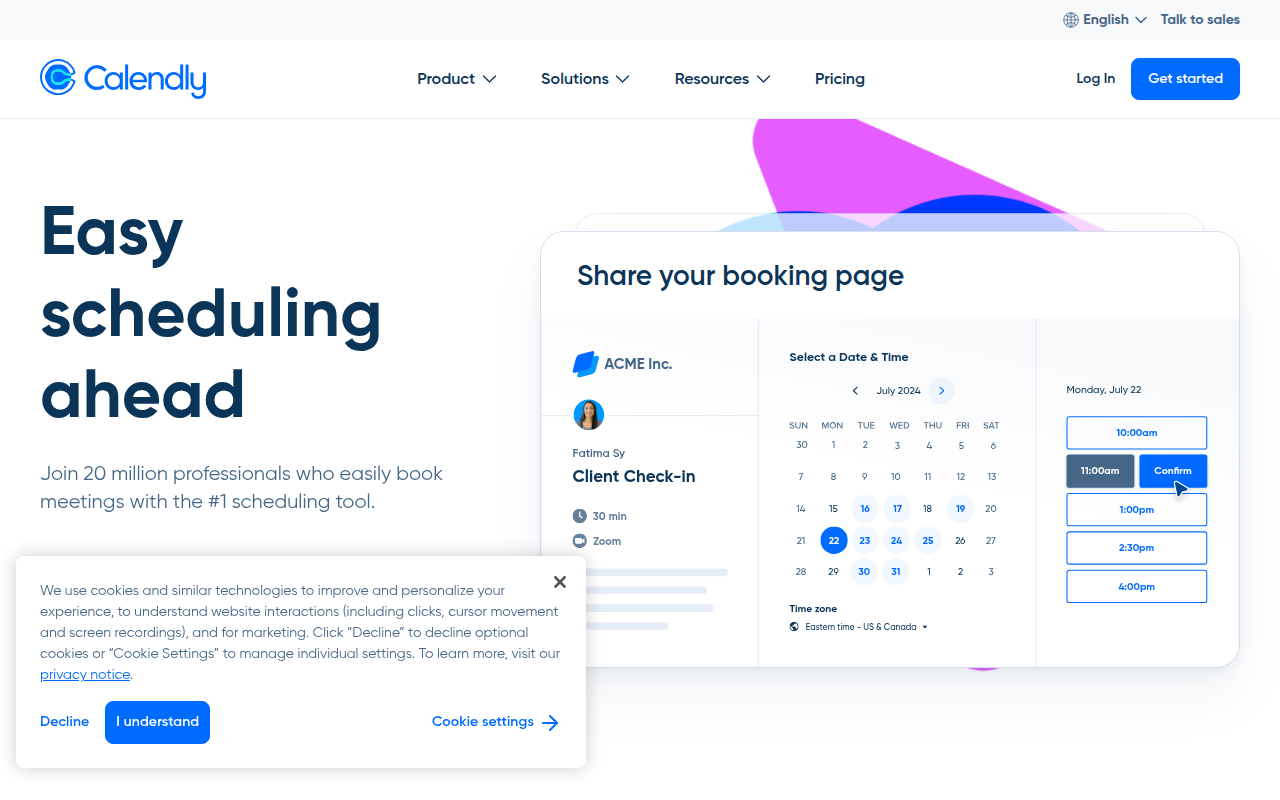
Send a single link, let people book. Group events, paid bookings, payment via Stripe, and calendar conflict detection.
🎯 Why it's useful
If you have any external-facing role (sales, support, hiring), Calendly removes the email back-and-forth entirely.
💜 Our take
The sheer reliability — we've never had a Calendly link silently break in 5 years of use.
Key Features
Integrations
✓ Best for
Solo founders, consultants, and service providers who need to eliminate back-and-forth scheduling emails. Sales teams and agencies with multiple team members handling client bookings also benefit significantly.
✗ Not ideal for
Teams needing complex workflow automation or internal meeting coordination tools—look at alternatives like Motion or Reclaim for richer team functionality. Also not ideal for very price-sensitive bootstrapped startups when free alternatives exist.
How indie founders use Calendly
Intro calls in your bio link
Drop a Calendly link in your email signature, LinkedIn bio, or Twitter profile. Anyone can book 30 minutes without back-and-forth.
Sales qualification + routing
Routing forms (Teams+) ask prospects qualifying questions, then route to the right SDR or AE based on their answers. Replaces the 'manual triage' step in inbound sales.
Round-robin team scheduling
Multiple sales reps share a single booking link. Calendly rotates through who gets the next meeting. No more 'which AE is available' Slack threads.
Recruiting interviews
Set up event types per interview stage (recruiter screen, hiring manager, take-home review). Candidates self-book; you skip the calendar Tetris.
Calendly is the booking link in your email signature. You've seen it. You've probably used one. For most founders it's the default and there's almost no reason to look elsewhere. The product does one thing exceptionally: turn 'let me check my calendar and get back to you' into 'pick a time that works.' Connect Google Calendar or Outlook, define your meeting types (30-min intro, 60-min demo, etc.), share a link, done. Calendly handles the scheduling logic, the timezone math, the buffer time, the reminders, even the reschedule flow. After ten years of iteration this stuff just works. For solo founders the free tier is genuinely useful. One event type, one calendar, unlimited bookings. That's enough for 'book a 30-min intro chat' which is probably 90% of what you need. The $12/user/month Standard tier adds multiple event types, group events, custom branding, and team features. Beyond that, Teams and Enterprise add SSO and analytics. Where Calendly has gotten interesting recently: routing forms (route prospects to different team members based on qualifying questions), CRM integrations (auto-create Salesforce/HubSpot leads from bookings), and the new Workflows feature for automated follow-ups. If you're doing sales or recruiting, these features are worth real money. The alternatives worth knowing: Cal.com is open-source, self-hostable, and aggressively similar in features. SavvyCal has a beautiful side-by-side calendar overlay (you share your availability, the prospect shares theirs, the tool finds the overlap). Tidycal is a $29 lifetime deal that covers most basic use cases. Calendar Connect (free, in iOS Calendar app) handles 1:1 booking for personal use. My take: Calendly is the safe default. If you're indifferent, just use Calendly. If you specifically want open-source or self-hosting, use Cal.com. If you want beautiful UI and don't mind paying a premium, use SavvyCal. They all work. The choice barely matters if you're booking a few meetings a week. Spend more time on the meetings than the tool that books them.
Pricing
Free
- ✓1 event type
- ✓1 calendar connection
- ✓Unlimited bookings
- ✓Basic email reminders
Standard
- ✓Unlimited event types
- ✓Multiple calendars
- ✓Custom branding
- ✓Group events
- ✓Reschedule + cancel flows
Teams
- ✓Round-robin scheduling
- ✓Routing forms
- ✓Salesforce + HubSpot integration
- ✓Analytics dashboard
Enterprise
- ✓SAML SSO
- ✓Advanced admin controls
- ✓Audit logs
- ✓Dedicated CSM
Free (1 calendar, basic scheduling) · Standard $12/mo · Premium $20/mo · Teams pricing available
Frequently asked questions
Is Calendly free?
Yes. The free tier supports one event type (e.g. '30-min intro chat'), one calendar connection, and unlimited bookings. Standard at $12/user/month adds multiple event types, custom branding, and team features.
Calendly vs Cal.com, which should I use?
Calendly for the polished default product, brand recognition (recipients know what it is), and slightly more enterprise polish. Cal.com for open-source, self-hosting, lower cost, and a more modern feel. Both work. Pick Calendly unless you specifically value open-source or self-hosting.
Calendly vs SavvyCal, what's the difference?
SavvyCal's killer feature is the calendar overlay: prospects see your availability layered against their own calendar, making 'find a time that works for both of us' actually easy. Calendly is faster to set up and more recognised; SavvyCal is more thoughtful UX. SavvyCal is $12/month flat (cheaper than Calendly per seat at scale).
Can Calendly connect to my CRM?
Yes. Salesforce, HubSpot, and Pipedrive integrations are first-class on Teams and above. When someone books a meeting, Calendly auto-creates a lead or contact in your CRM with the booking context.
Does Calendly send automatic reminders?
Yes. Both bookers and you get configurable email and SMS reminders before the meeting. Workflows (Teams+) let you set up custom follow-up sequences (e.g. 'send a reminder 24h before, then 1h before').
Reviews
No reviews yet — be the first.
Tools like Calendly
See all Productivity →Notion
The all-in-one workspace for notes, docs, and projects.
Linear
Issue tracking that respects your time.
PDF0
Fast, free PDF tools that run entirely in your browser.
Yo!
The Yo! Podcast spotlights incredible designers, developers, makers and entrepreneurs building their own future.
Workflow
Workflow is a project manager built for creative teams. Streamlines reviews and iterations. Built-in AI catches design mistakes.
Webflail
Join 750+ designers and developers to learn how to reach a profitable and fulfilling freelancing from expert Webflowers.