Collection №14 — Updated 9 August 2026
The 5 best uptime monitoring tools in 2026
Every tool here can ping a URL and email you when it stops answering. The useful differences come after the failure: who gets woken up, and what customers see while you fix it. Some stop at the check. Others carry the whole incident, from the phone call to the public status page.
| Tool | Type | Cost | Verdict |
|---|---|---|---|
| Monitoring + incident response | Free | ★ Best overall | |
| Uptime monitor | Free | Best free plan | |
| Synthetic monitoring | Free | Best for developers | |
| Uptime + status pages | Free | Simplest setup | |
| Status page monitor | Free | Best status pages |
Better Stack
★ Best overallUptime checks wired into on-call, escalation, and status pages
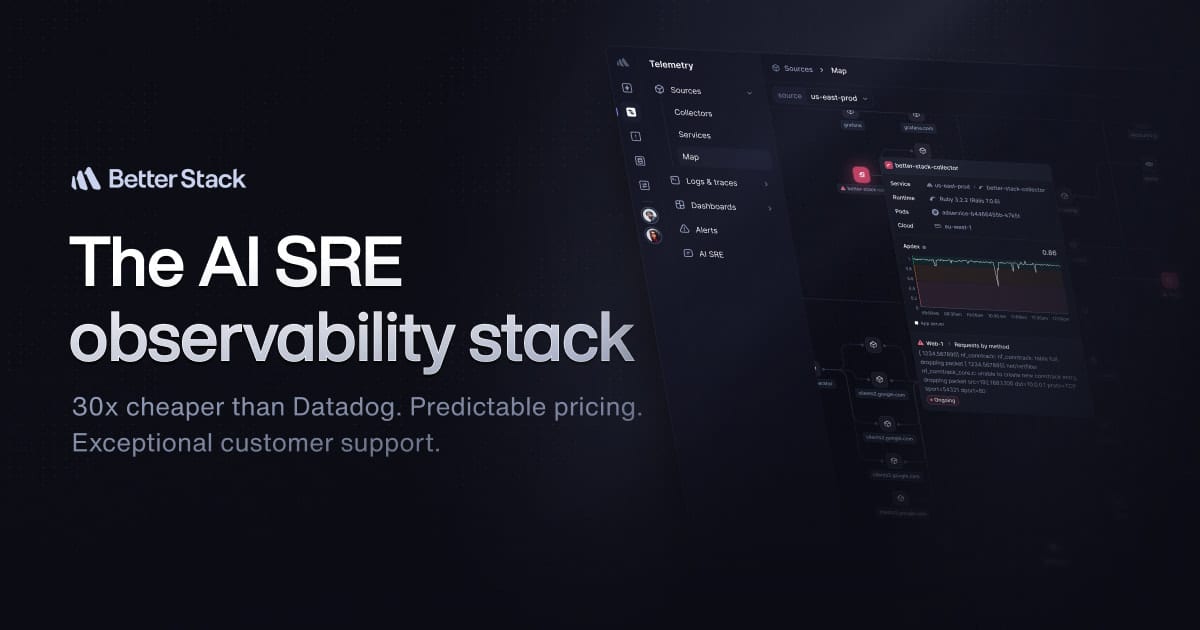
Uptime checks are the front door to a full incident stack: on-call schedules, escalation policies, and status pages in one place. On paid plans it can phone the engineer on duty instead of adding another email to the pile. Pick it when getting paged properly matters as much as the check.
Visit Better StackUptimeRobot
Best free planThe free monitor everyone starts with
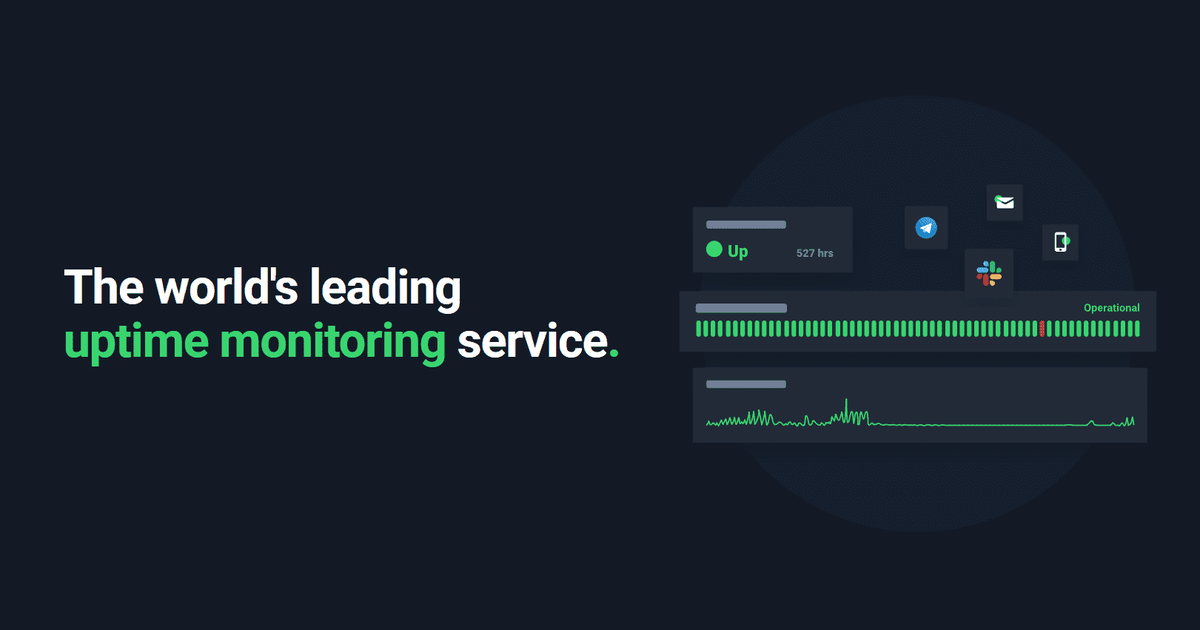
The free plan is bigger than most side projects will ever need. It checks HTTP, ping, ports and keywords, and can put up a simple status page. Start here if all you need to know is that the site is down.
Visit UptimeRobotCheckly
Best for developersPlaywright browser checks and API tests, managed as code
Checks are Playwright scripts and API tests that live in your repo and ship from the CLI, so monitoring gets code-reviewed like the rest of the codebase. A browser check can log in, load the dashboard, and fail the moment a flow breaks while the homepage stays green. Overkill if you only need a ping.
Visit ChecklyHyperping
Simplest setupUptime checks and status pages, kept simple
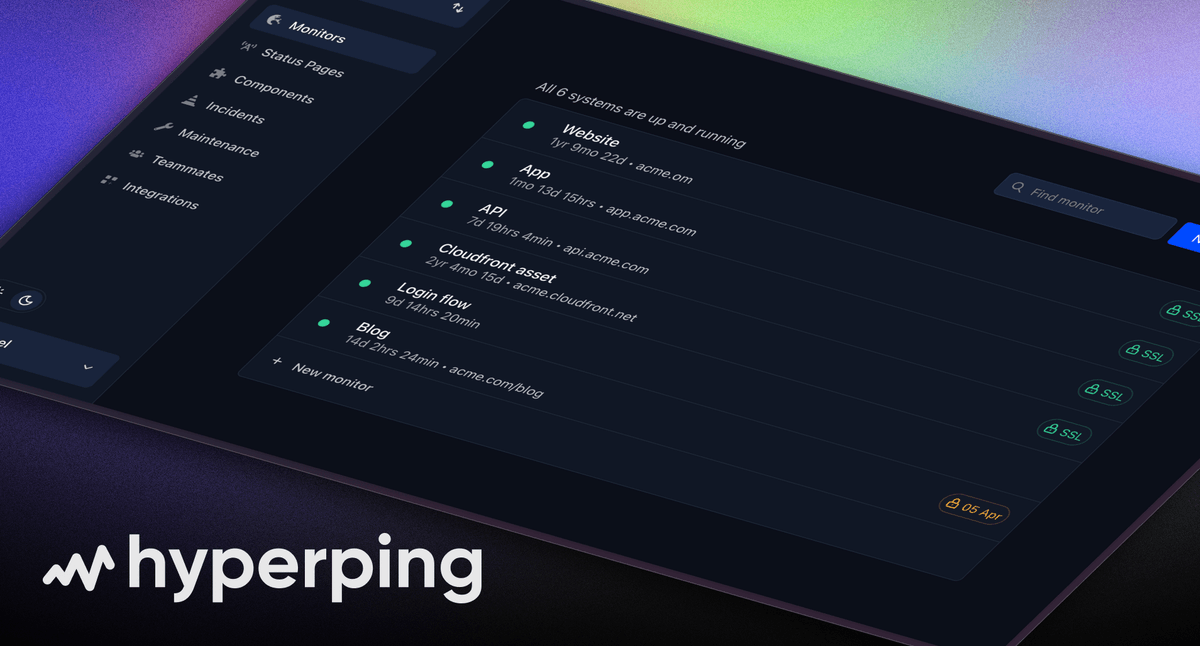
Monitoring and a status page you can set up in an afternoon, with checks from multiple regions and alerts to the usual channels. There is no log product bolted on. If you want the customer-facing side handled with the least setup, this is the one.
Visit HyperpingPulsetic
Best status pagesStatus pages you can fully brand, with monitoring underneath
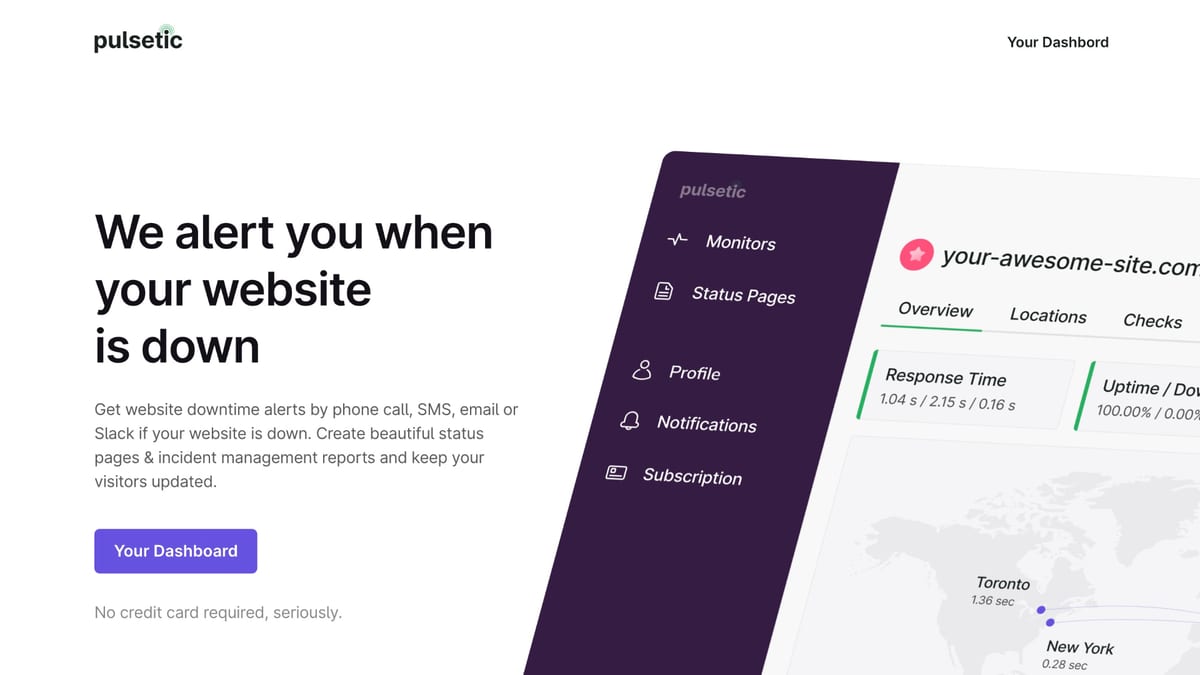
Pulsetic leads with the status page: custom domains, full branding control, and enough design options that it can pass for part of your marketing site. The monitoring behind it covers HTTP checks with alerts over email, Slack and more. If how the outage looks to customers matters most, start here.
Visit PulseticFrequently asked questions
What is the best free uptime monitoring tool?
UptimeRobot has the most generous free plan of the five, with a simple status page included. Better Stack and Checkly also have free tiers, and they give you more room to grow into on-call alerting or scripted browser checks later.
What is the difference between uptime monitoring and synthetic monitoring?
Uptime monitoring asks whether a URL responds, so tools like UptimeRobot and Hyperping catch outages where the site is fully down. Synthetic monitoring drives a real browser through flows like login or checkout, so a tool like Checkly catches failures that happen while the homepage still loads fine.
Does my startup need a public status page?
Once you have paying customers, yes: a status page answers "is it just me?" before people email support, and it shows you noticed the outage. Most uptime monitors include one. Pulsetic and Hyperping put the most design work into theirs, while Better Stack bundles status pages with its on-call and incident tooling.